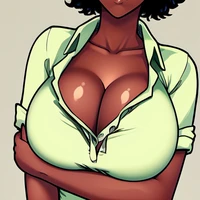
How to use AiAF/Inkuubooru_I_inkuusan_inkerton-kun_-_Sty_NAI_lora with Diffusers:
pip install -U diffusers transformers accelerate
import torch
from diffusers import DiffusionPipeline

# switch to "mps" for apple devices
pipe = DiffusionPipeline.from_pretrained("runwayml/stable-diffusion-v1-5", dtype=torch.bfloat16, device_map="cuda")
pipe.load_lora_weights("AiAF/Inkuubooru_I_inkuusan_inkerton-kun_-_Sty_NAI_lora")

prompt = "inkuusan \\(Artist\\),inkerton-kun \\(Artist\\),@inkuusan, 1girl, solo, (((portrait shot))),, looking at viewer, blue eyes, long brown hair, Christmas sweater, background: indoors, winter log cabin with a burning fire place, Christmas tree, <lora:inkuusan | inkerton-kun:1>"
image = pipe(prompt).images[0]