


license: other
license_name: qwen-research
license_link: https://huggingface.co/AiArtLab/zen-image-edit/blob/main/LICENSE
library_name: diffusers
pipeline_tag: image-to-image
base_model:
  - Qwen/Qwen-Image-2.1
  - Qwen/Qwen3.5-0.8B
tags:
  - text-to-image
  - image-editing
  - diffusers
  - qwen-image
  - text-encoder
  - adapter
Zen Image Edit
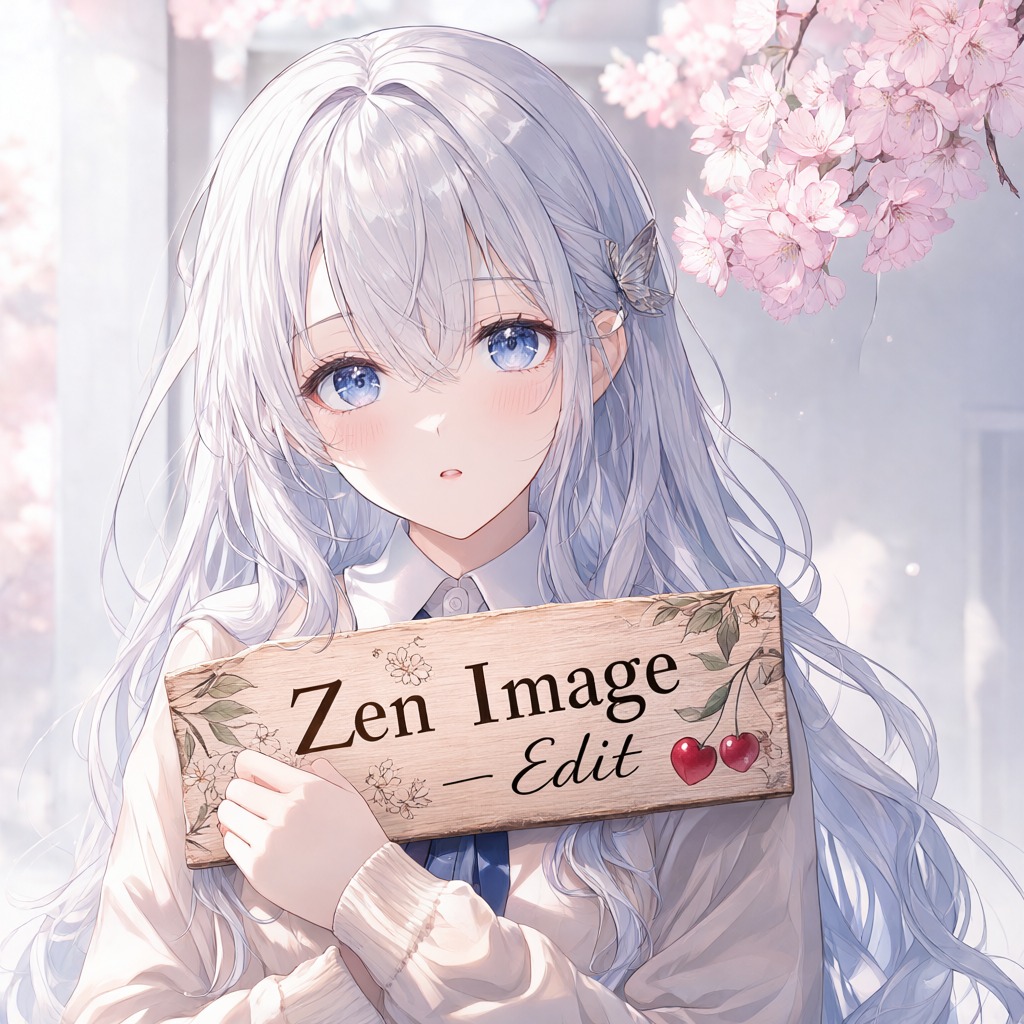
Qwen-Image-2.1 on a 0.8B text encoder. Text-to-image, character and scene editing, and transparent (RGBA) generation in one pipeline.
| transformer | Qwen-Image-2.1 DiT — 32 layers, 14.5 GB fp16, plus a 158M text-fusion adapter inside |
| text encoder | Qwen3.5-0.8B, 1.7 GB fp16 (native: Qwen3-VL-8B, 17.5 GB) |
| conditioning | cosine 0.94 against the native Qwen3-VL-8B encoder (text positions) |
| VAE | Qwen-Image-2.1, 16× spatial, fp32 |
| scheduler | FlowMatchEulerDiscreteScheduler |
| resolution | output_resolution, 1024 by default; follows the condition image aspect ratio |
| precision | fp16 everywhere except the VAE |
| peak VRAM | ~17.5 GB resident, less with enable_model_cpu_offload() |
What changed
The text encoder is replaced by Qwen3.5-0.8B plus a 158M adapter, fine-tuned to reproduce what the native encoder produced — both from plain text and from text read together with the reference images (Improved using Qwen). The adapter lives inside the DiT as its text-fusion block, so the whole model is one self-contained diffusers folder and no 17.5 GB encoder is needed anywhere.
Examples
Every image below is generated by this pipeline with 30 steps at 1024 px.
Text-to-image
 |
 |
Edit — one condition image (background change, subject kept)

Edit — two condition images (character replacement: identity from <image1>, pose/clothing/scene from <image2>)
 |
 |
Edit — three condition images (subject from <image1>, scene from <image2>, lighting from <image3>)

Transparent RGBA

Usage
import torch
from pipeline import ZenImageEditPipeline      # shipped in this repo

pipe = ZenImageEditPipeline.from_pretrained(".", dtype=torch.float16)
pipe.enable_model_cpu_offload()                # 14.5 GB DiT + fp32 VAE decoder do not co-reside on 32 GB

# text-to-image
image = pipe(prompt="a red fox in a snowy forest at dusk, cinematic, 85mm",
             output_resolution=1024, num_inference_steps=30,
             generator=torch.Generator("cuda").manual_seed(1234)).images[0]

# editing: 1..N condition images, referenced in the prompt by TAG <image1>, <image2>, ...
image = pipe(prompt="Replace the woman in <image2> with the woman from <image1>; keep <image2> pose, "
                    "clothing and background unchanged.",
             image=[ref_image, scene_image],
             output_resolution=1024, num_inference_steps=30,
             generator=torch.Generator("cuda").manual_seed(1234)).images[0]
CLI: python example.py --prompt "..." [--image a.png b.png] --out out.png
Files
pipeline.py          ZenImageEditPipeline — one class for t2i and editing, as QwenImage21Pipeline
transformer.py       QwenImage21FusionTransformer2DModel + the text-fusion blocks
example.py           CLI for both modes
transformer/         DiT config + 2 fp16 shards, adapter merged in as text_fusion.*
text_encoder/        Qwen3.5-0.8B, fp16
processor/           its processor (image slicing + tokenization)
tokenizer/           its tokenizer
vae/                 Qwen-Image-2.1 VAE, fp32
scheduler/           FlowMatchEulerDiscreteScheduler config
media/               the examples above
QwenImage21FusionTransformer2DModel is a custom class defined in transformer.py, not registered
inside diffusers, so plain DiffusionPipeline.from_pretrained does not resolve it. Load through the
shipped pipeline with this folder on sys.path.
Limitations
- English only — that is all the adapter was trained and tested on; other languages drift.
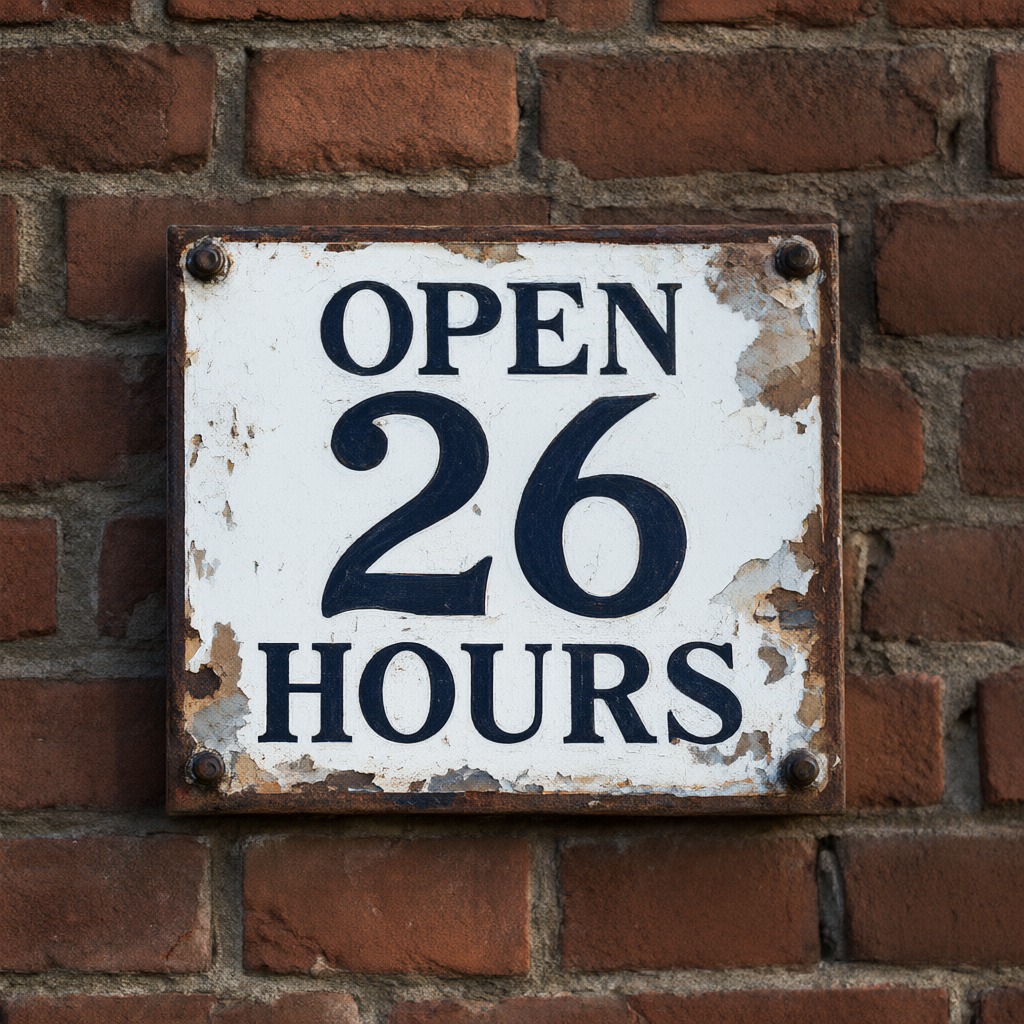
- Numerals on signage come out wrong: "OPEN 24 HOURS" renders as "OPEN 26 HOURS" on every
seed tried. Words are fine.
- Batch size >1 at 1024 px peaks near 28 GB; one prompt per call is the safe mode.

NOTICE
Qwen is licensed under the Qwen RESEARCH LICENSE AGREEMENT, Copyright (c) 2026 Hangzhou Tongyi Laboratory Technology Co., Ltd. All Rights Reserved.
This is a derivative work of Qwen-Image-2.1 — the full agreement is in LICENSE, the list of
modified files and the remainder of the required attribution is in NOTICE. The Qwen3.5-0.8B text
encoder is redistributed under the Apache License 2.0, see LICENSE-Qwen3.5-0.8B.
Contacts
Please contact with us if you may provide some GPU's or money on training
- telegram recoilme *prefered way
- mail at aiartlab.org (slow response)
Citation
@misc{zenimageedit,
  title={Zen Image Edit},
  author={recoilme and AiArtLab Team},
  url={https://huggingface.co/AiArtLab/zen-image-edit},
  year={2026}
}