

🚀 Best Practice for Evaluating HiDream models
#41
by Yunxz - opened

Unlock objective insights for your text-to-image models! We rigorously tested HiDream-I1-Dev using EvalScope, an automated evaluation framework, and the results reveal fascinating strengths and improvement opportunities:
Key Findings from EvalMuse Benchmark:
✅ Top-Tier Performance
- Ranks 3rd overall in EvalMuse benchmark (comparable to DALLE3)
- Scores 3.62/5 in image-text alignment
📊 Multi-Dimensional Analysis

🖼️ Case Study
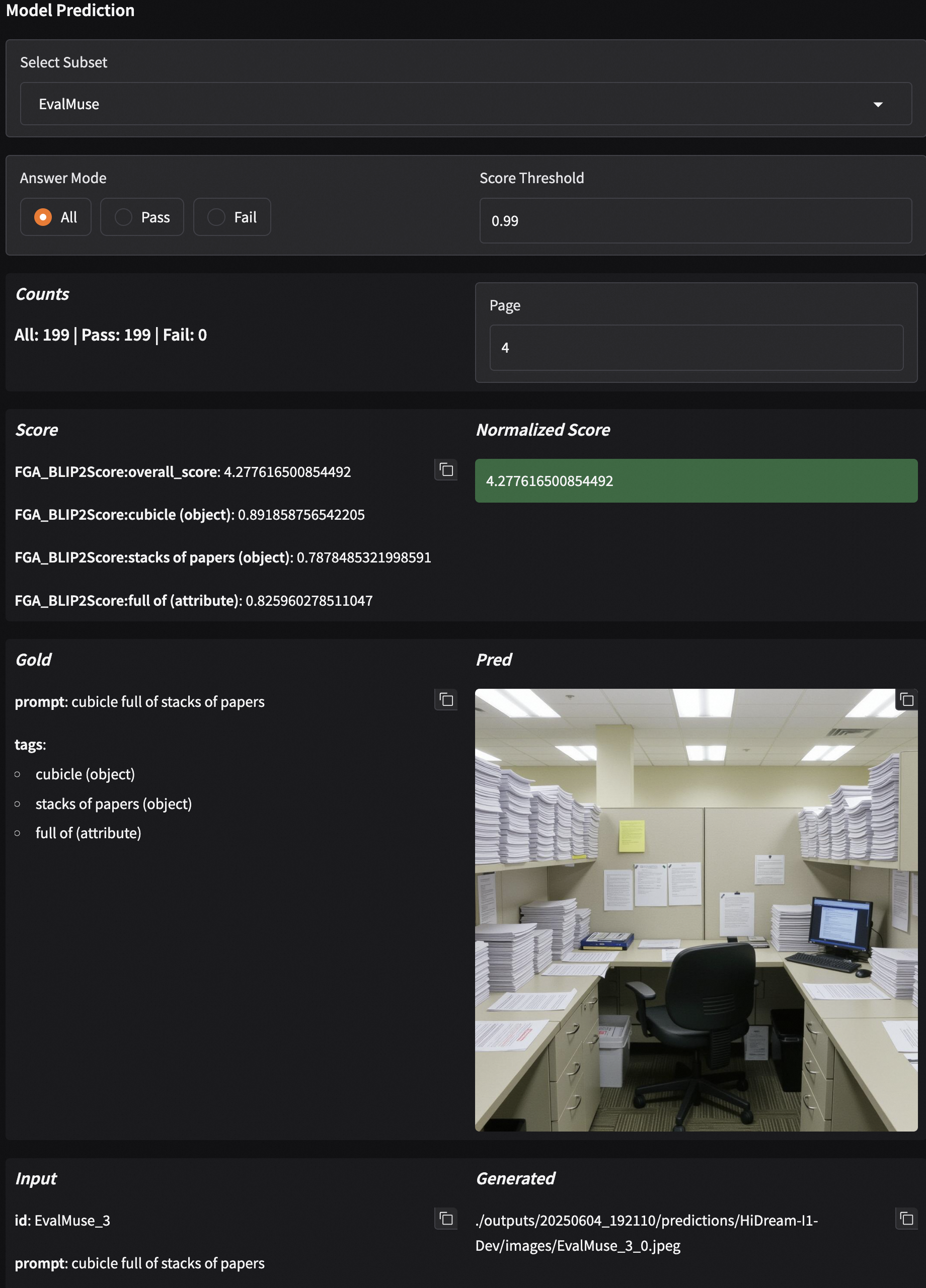
Why EvalScope for Hi-Dream?
1️⃣ Reproducible Testing
from evalscope import run_task, TaskConfig

run_task(TaskConfig(
    model="HiDream-ai/HiDream-I1-Dev",
    datasets=["evalmuse"],
    analysis_report=True  # Get automatic insights!
))
2️⃣ Actionable Insights
- Get automatic improvement suggestions via model analysis
- Visual comparisons via interactive radar charts and score distributions
🏆 Full Content Refer to 📖 Doc
🌟 If you like EvalScope, please take a few seconds to star us!