
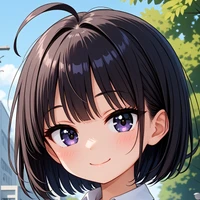
彩度調整 (Saturation control)

出力画像の彩度をアップすることができます。テイスト別に3種類用意しました。
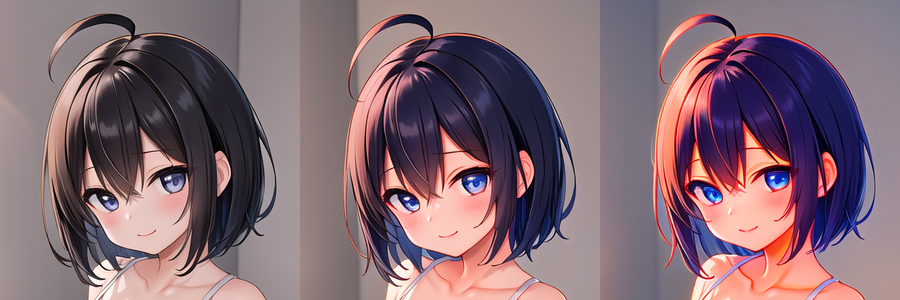
Type 1
- 自然な感じの彩度アップ
- 一般的なキャライラスト向け


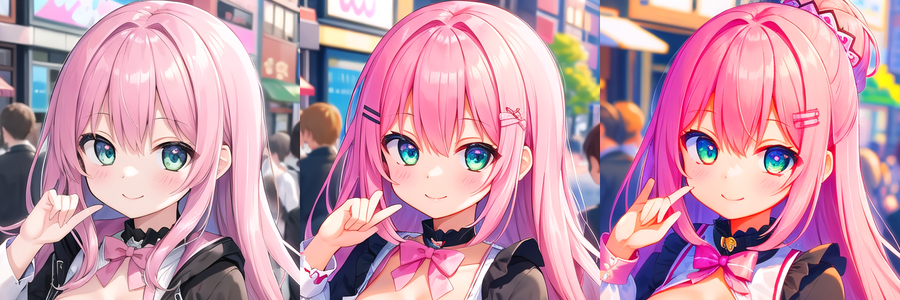
Type 2
- 不自然なくらい強い全体彩度アップ
- ポップ系/サイバー系/サイケデリック系など向け


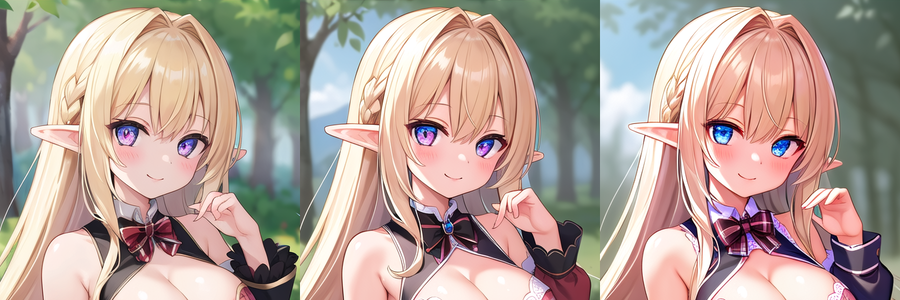
Type 3
- キャラの彩度アップ+背景彩度をダウン
- 絵画調、アーティスティック系など向け



ダウンロード (Download)
- Type 1 (hotarusaturation_1_v100.safetensors)
- Type 2 (hotarusaturation_2_v100.safetensors)
- Type 3 (hotarusaturation_3_v100.safetensors)
使い方 (Usage)
LoRAを有効にするだけで動作します。階層調整済みで配布していますので、階層適用はあまり効果がありません。
標準の適用強度(1.0)ではおそらく少し強すぎると思いますので、だいたい0.2~0.5くらいで使うのがよいでしょう。
逆に強調する場合、適用強度1.5くらいまで使用できます。
サンプル ギャラリー (Sample gallery)
掲載サンプルはどちらも、左から強度0(LoRA無し)/ 0.5 / 1.0 となっています。
Type 1

Type 2

Type 3
