

metadata
tags:
  - stable-diffusion-xl
  - stable-diffusion-xl-diffusers
  - text-to-image
  - diffusers
  - lora
  - template:Transformers_lora
base_model: stabilityai/stable-diffusion-xl-base-1.0
instance_prompt: a photo of TOK dog
license: openrail++
widget:
  - text: the elita 1
    output:
      url: images/example_qafp9xggx.png
  - text: the b127
    output:
      url: images/example_b3o0t8jwk.png
  - text: the upgraded elita 1
    output:
      url: images/example_r7i79u4sm.png
  - text: the optimus prime
    output:
      url: images/example_axa1h0aww.png
  - text: the elita-1
    output:
      url: images/example_evyogtsa0.png
SDXL LoRA DreamBooth - Saad381/Transformers_lora

- Prompt
- the elita-1
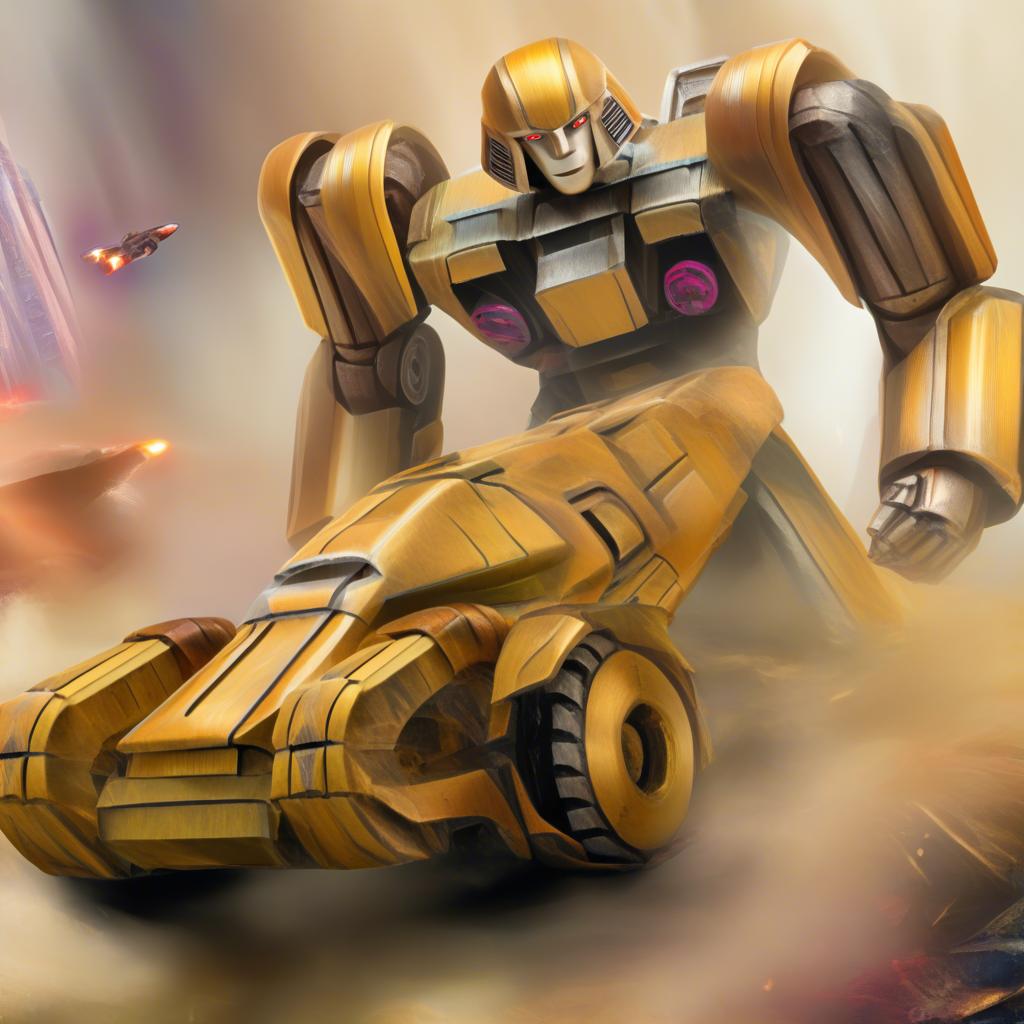
- Prompt
- the d-16
Model description
These are Saad381/Transformers_lora LoRA adaption weights for stabilityai/stable-diffusion-xl-base-1.0.
The weights were trained using DreamBooth.
LoRA for the text encoder was enabled: False.
Special VAE used for training: madebyollin/sdxl-vae-fp16-fix.
Trigger words
You should use a photo of TOK dog to trigger the image generation.
Download model
Weights for this model are available in Safetensors format.
Download them in the Files & versions tab.