metadata
license: cc-by-nc-nd-4.0
pipeline_tag: object-detection
tags:
  - yolov10
  - ultralytics
  - yolo
  - object-detection
  - pytorch
  - cs2
  - Counter Strike
Counter Strike 2 players detector
Supported Labels
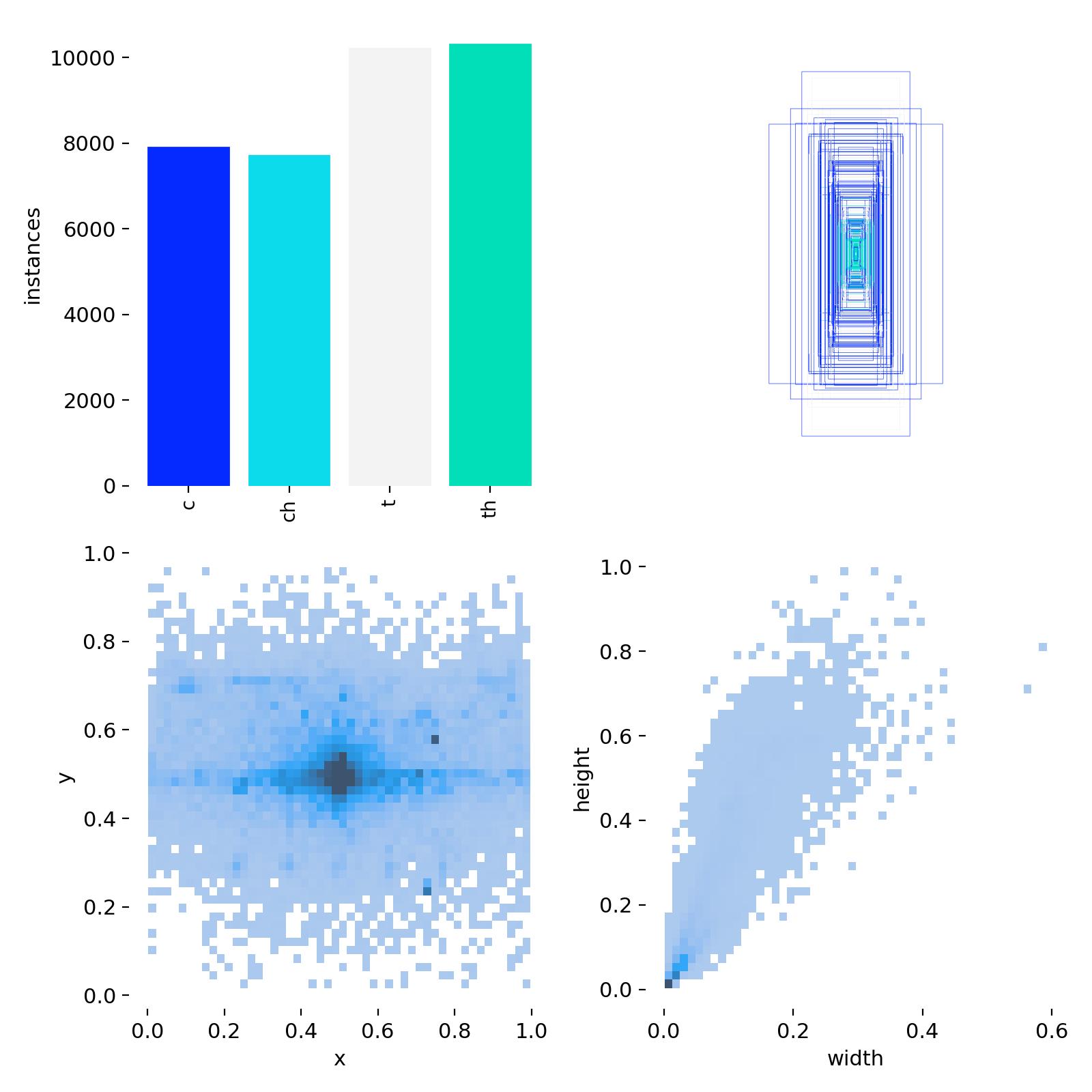
[ 'c', 'ch', 't', 'th' ]
All models in this series
How to use
# load Yolo
from ultralytics import YOLO

# Load a pretrained YOLO model
model = YOLO(r'weights\yolov**_cs2.pt')

# Run inference on 'image.png' with arguments
model.predict(
    'image.png',
    save=True,
    device=0
    )
Predict info
Ultralytics YOLOv8.2.90 🚀 Python-3.12.5 torch-2.3.1+cu121 CUDA:0 (NVIDIA GeForce RTX 4060, 8188MiB)
- yolov10l_cs2_fp16.engine (640x640 5 ts, 5 ths, 7.1ms)
- yolov10l_cs2.engine (640x640 5 ts, 5 ths, 16.1ms)
- yolov10l_cs2_fp16.onnx (640x640 5 ts, 5 ths, 337.2ms)
- yolov10l_cs2.onnx (640x640 5 ts, 5 ths, 348.0ms)
- yolov10l_cs2.pt (384x640 5 ts, 5 ths, 99.1ms)
Dataset info
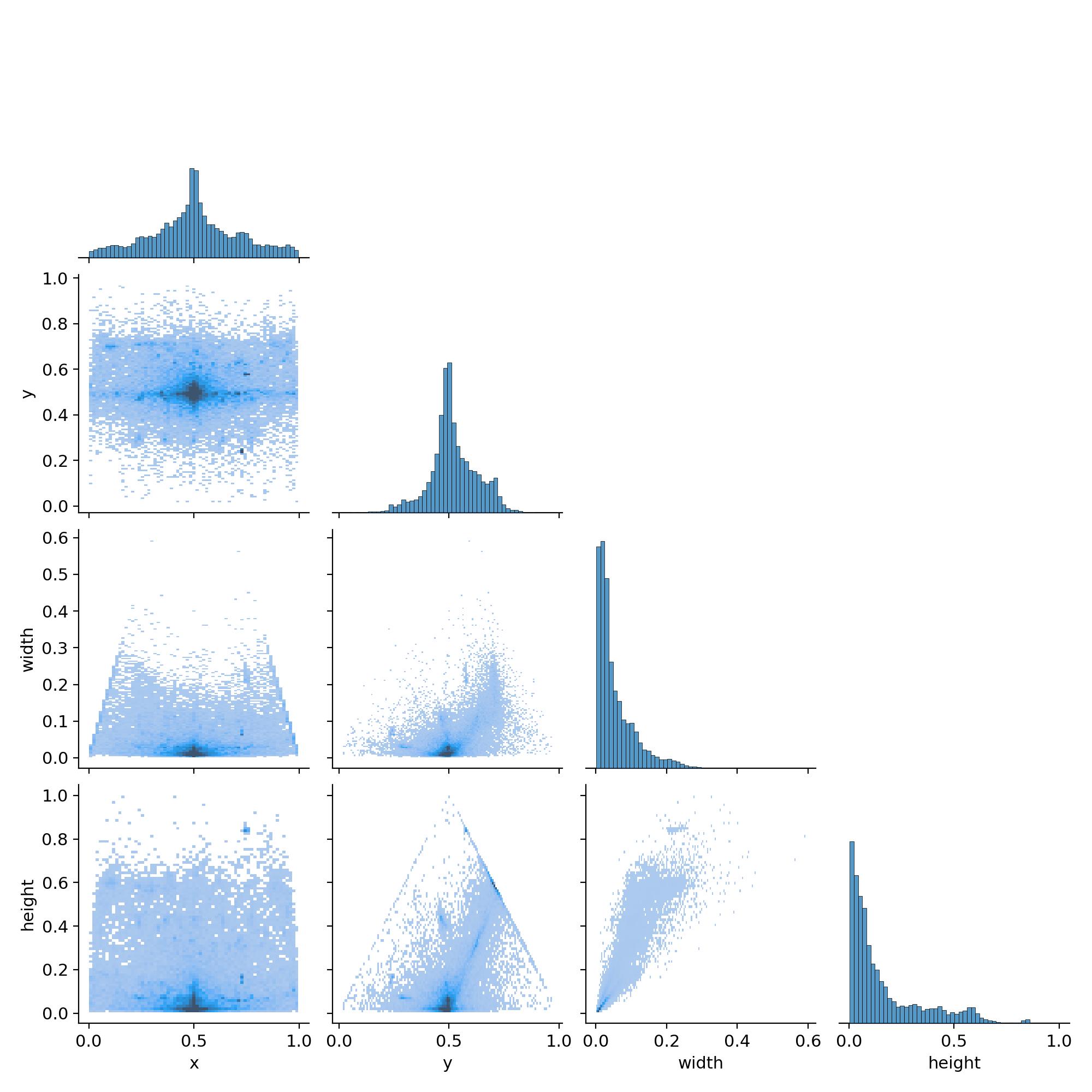
Data from over 120 games, where the footage has been tagged in detail.
Train info
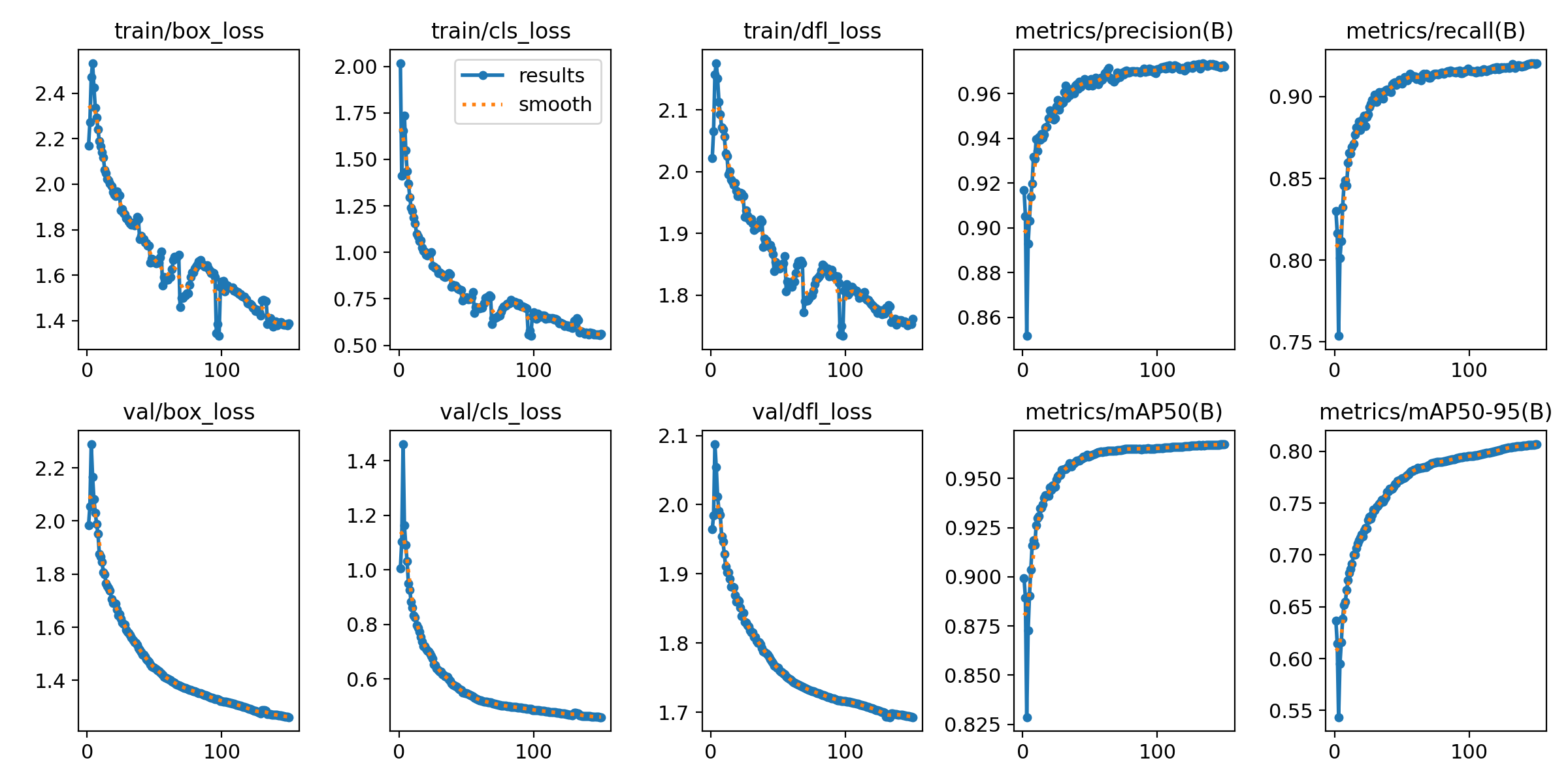
The training took place over 150 epochs.