


Prompt extend plays a critical role in image editing by helping models better understand editing intent and produce more accurate and stable results.
This model is fine-tuned from gemma-4-12B-it for prompt extend with Qwen Image Edit 2511. It takes an editing prompt together with input images and generates an enhanced editing prompt. The model is trained with Prompt Extend Reinforcement Learning (PERL) using ROLL, with Kimi K2.6 serving as the reward worker to evaluate editing results.
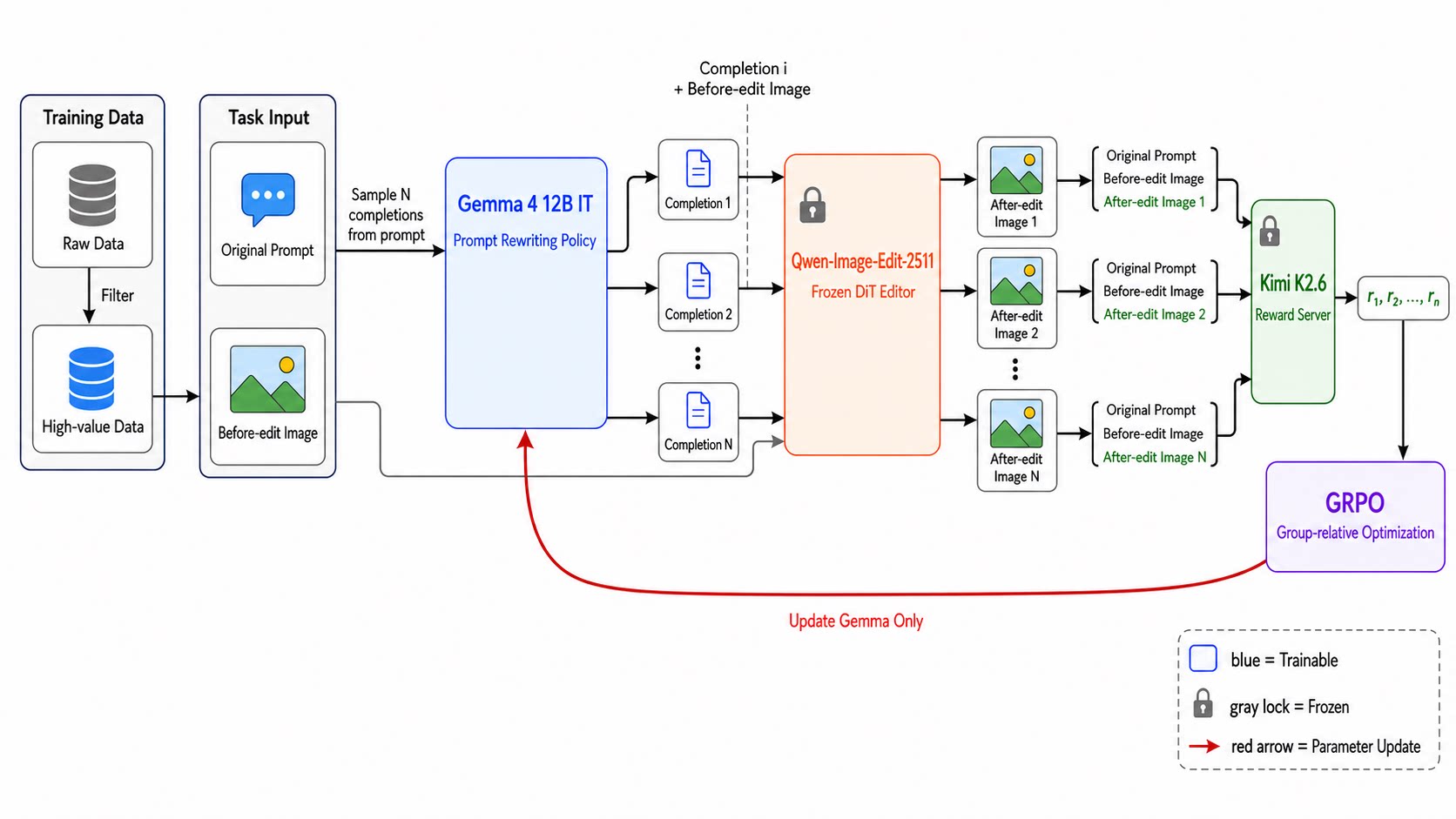
In real-world scenarios, this model delivers better and more stable editing results across a wide range of complex edit prompts. For now, we recommend using this model together with the Qwen Image Edit 2511 8steps LoRA from lightx2v for end-to-end image editing. Please refer to the provided ComfyUI workflow for more details.
ComfyUI Workflow
A ready-to-use ComfyUI workflow is provided here.
Model Download
For models provided by Comfy-Org, you may use any compatible precision or quantized variant. This guide uses the original BF16 version for demonstration.
Download the required model files and place each one in the corresponding ComfyUI directory listed below.
| Component | Model file | Source | ComfyUI directory |
|---|---|---|---|
| Prompt extension model | gemma4_12b_qwen_image_edit_2511_pe.safetensors / gemma4_12b_qwen_image_edit_2511_pe_fp8_scaled.safetensors |
ModelScope / HuggingFace | ComfyUI/models/text_encoders/ |
| Text encoder | qwen_2.5_vl_7b.safetensors |
Comfy-Org/Qwen-Image_ComfyUI | ComfyUI/models/text_encoders/ |
| VAE | qwen_image_vae.safetensors |
Comfy-Org/Qwen-Image_ComfyUI | ComfyUI/models/vae/ |
| DiT | qwen_image_edit_2511_bf16.safetensors |
Comfy-Org/Qwen-Image-Edit_ComfyUI | ComfyUI/models/diffusion_models/ |
| Lightning LoRA | Qwen-Image-Edit-2511-Lightning-8steps-V1.0-bf16.safetensors |
lightx2v/Qwen-Image-Edit-2511-Lightning | ComfyUI/models/loras/ |
Once downloaded, your ComfyUI model directory should have the following structure:
ComfyUI/
└── models/
    ├── text_encoders/
    │   ├── gemma4_12b_qwen_image_edit_2511_pe.safetensors
    │   └── qwen_2.5_vl_7b.safetensors
    ├── vae/
    │   └── qwen_image_vae.safetensors
    ├── diffusion_models/
    │   └── qwen_image_edit_2511_bf16.safetensors
    └── loras/
        └── Qwen-Image-Edit-2511-Lightning-8steps-V1.0-bf16.safetensors
Usage
- Download all required model files and place them in the directories shown above.
- Restart ComfyUI or refresh the model list.
- Download the workflow JSON file and drag it onto the ComfyUI canvas.
- Make sure each loader node points to the corresponding downloaded model.
- Load one or more input images.
- Enter the original editing instruction.
- Run the workflow to obtain the extended prompt.
Result Visualization
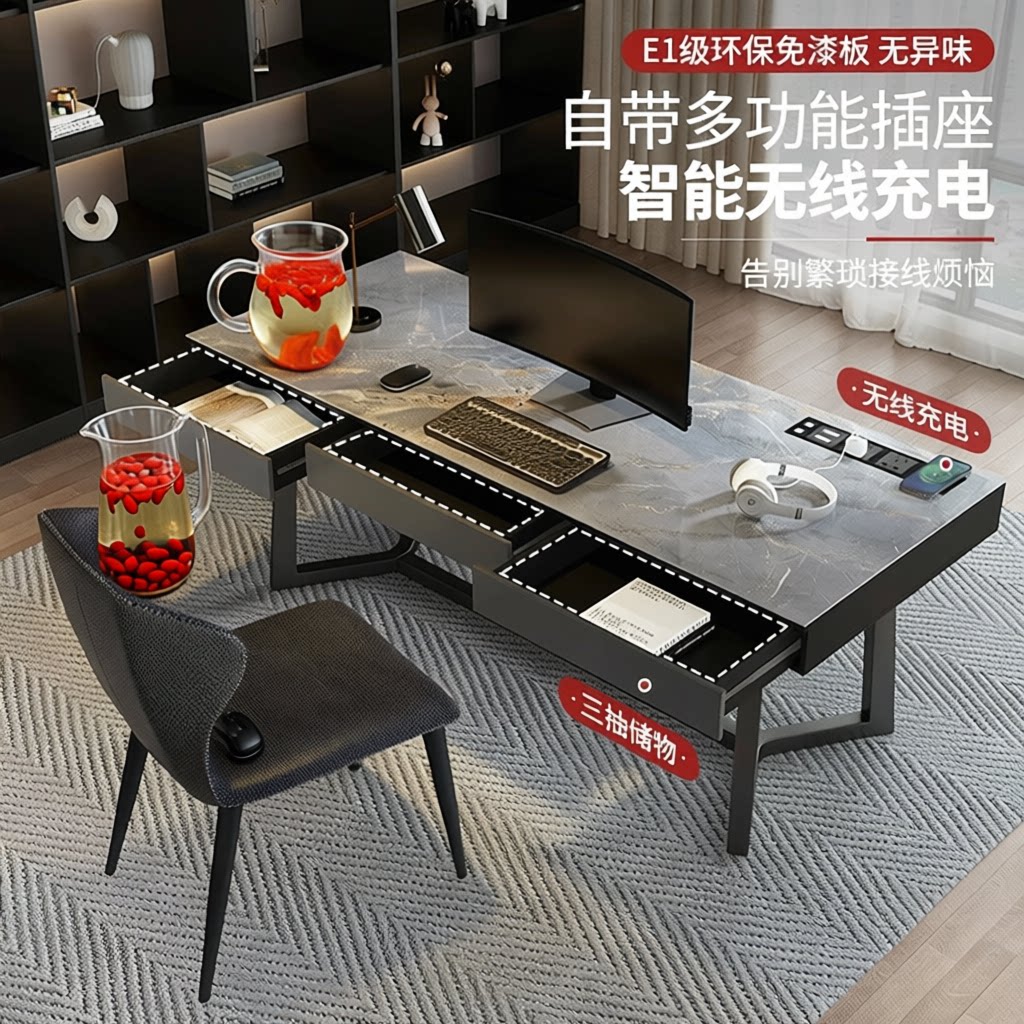
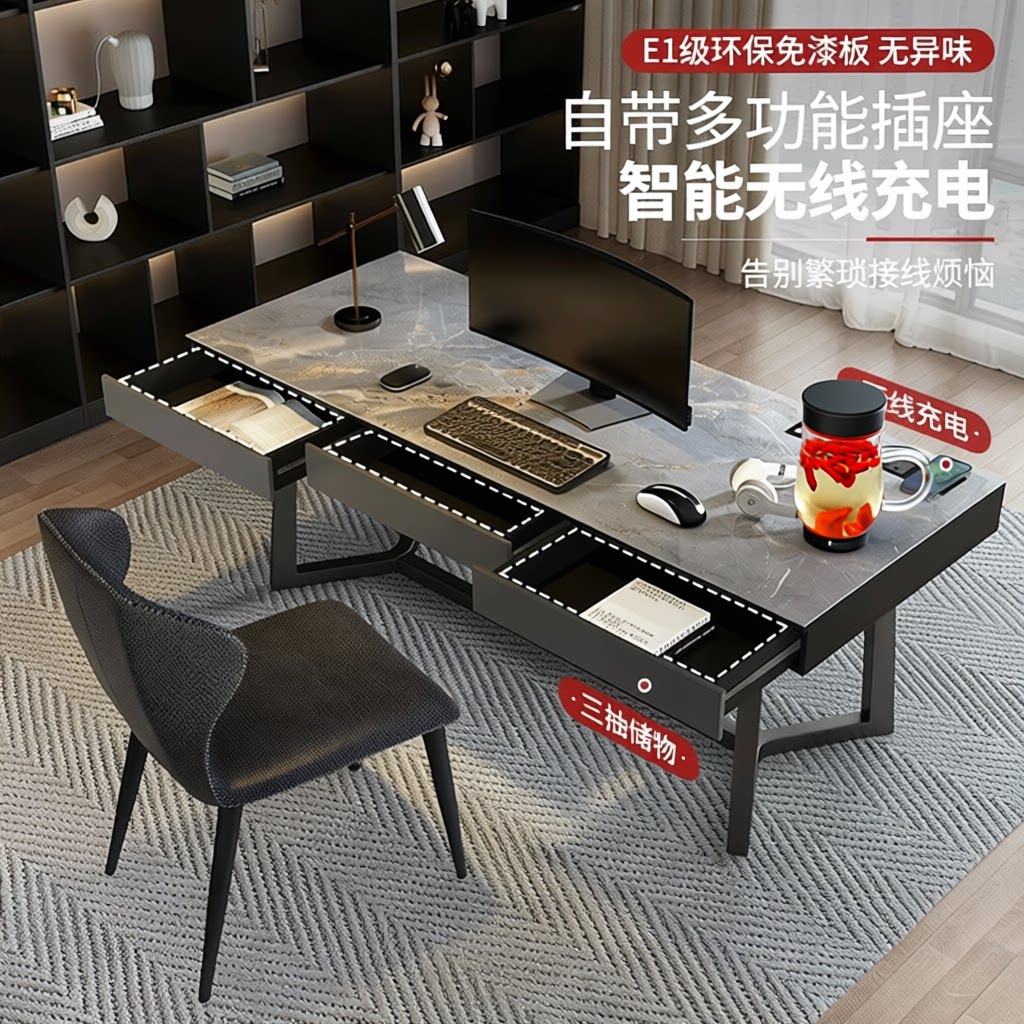
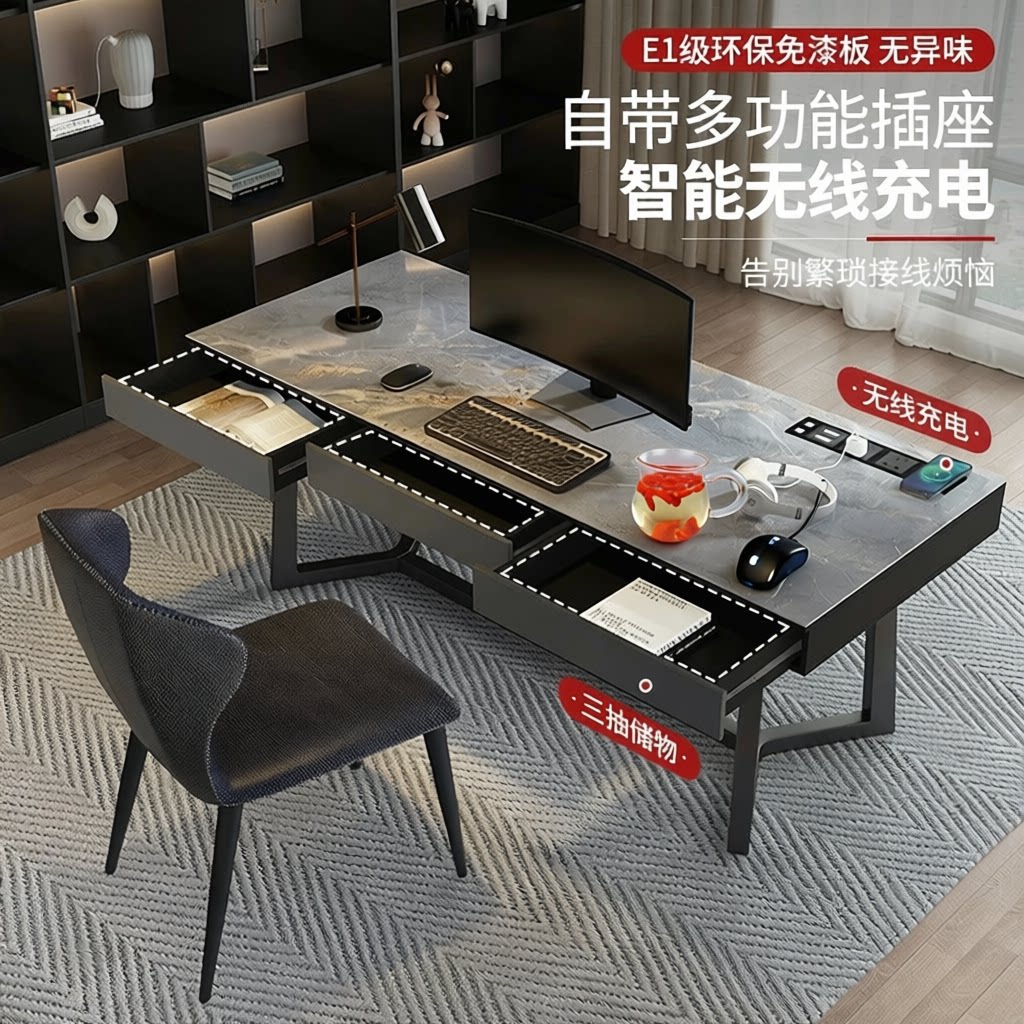
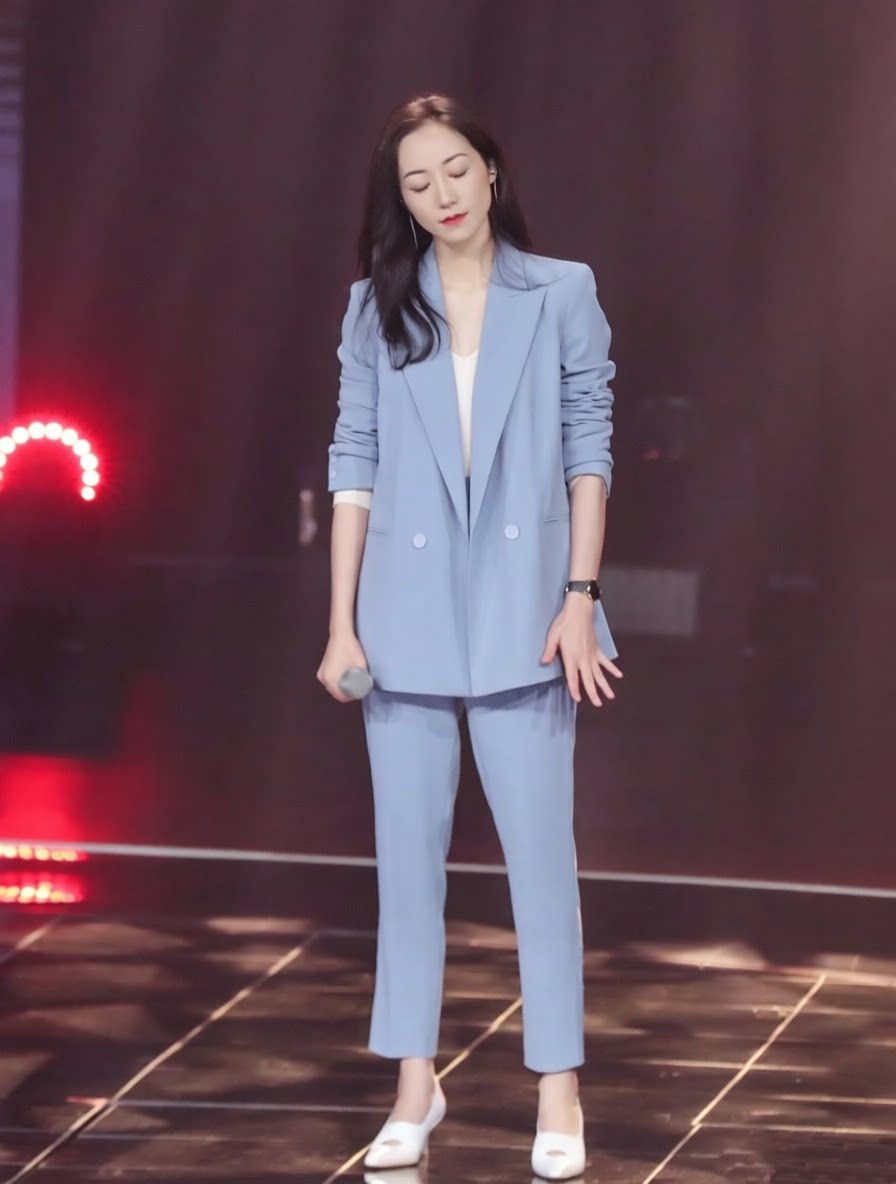
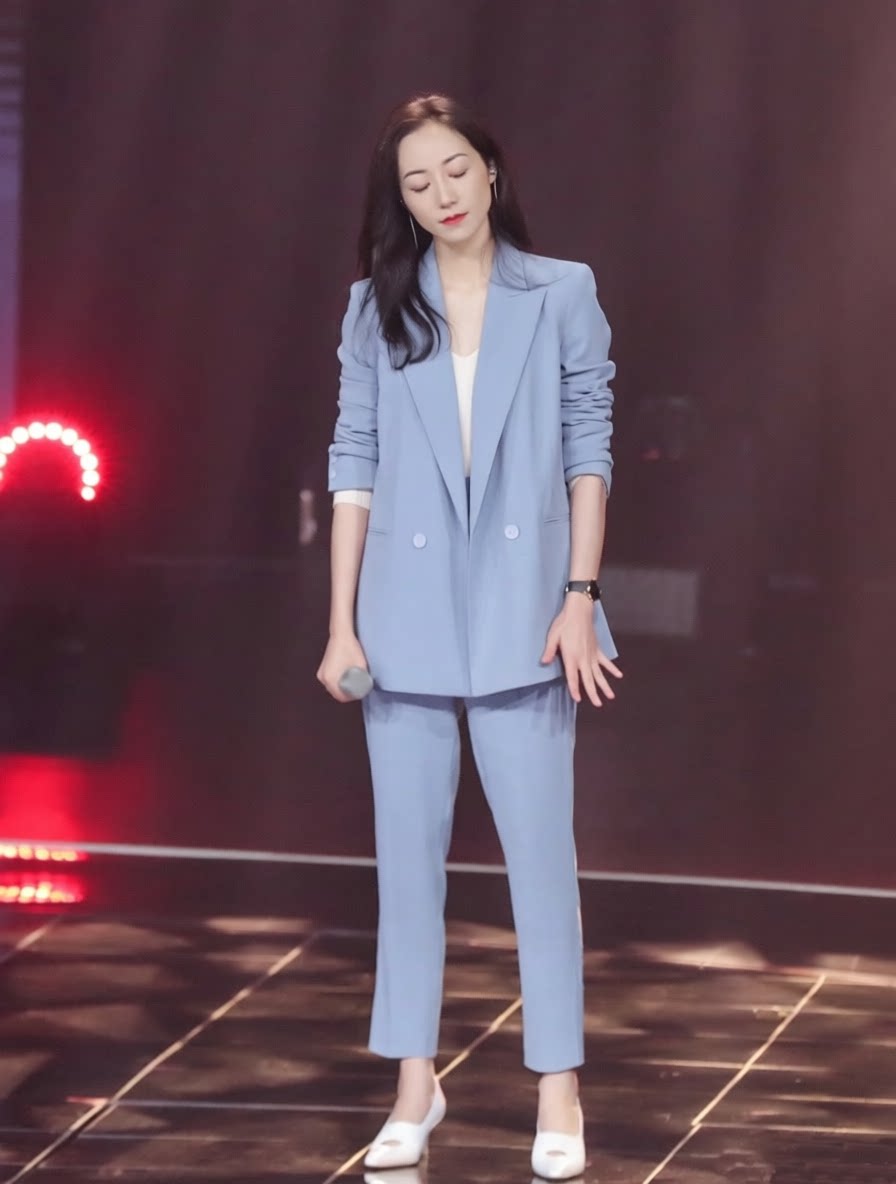
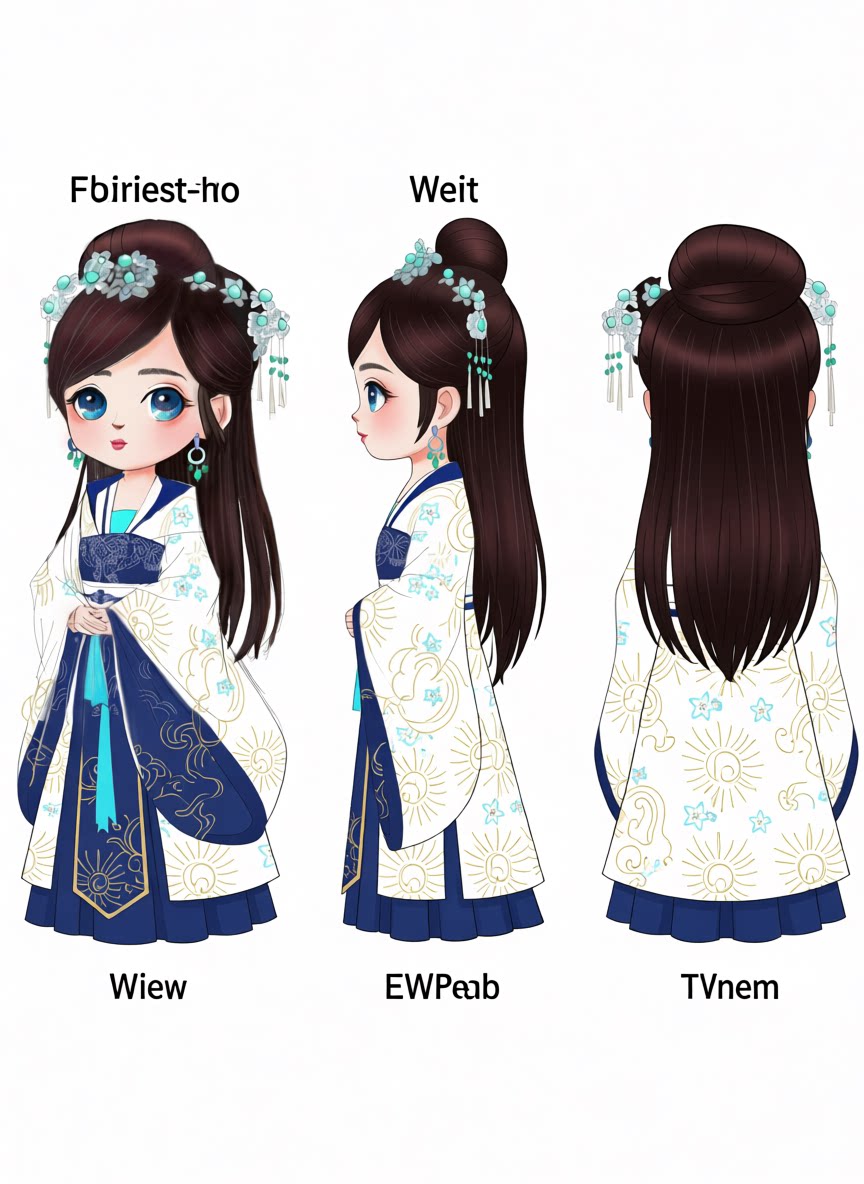
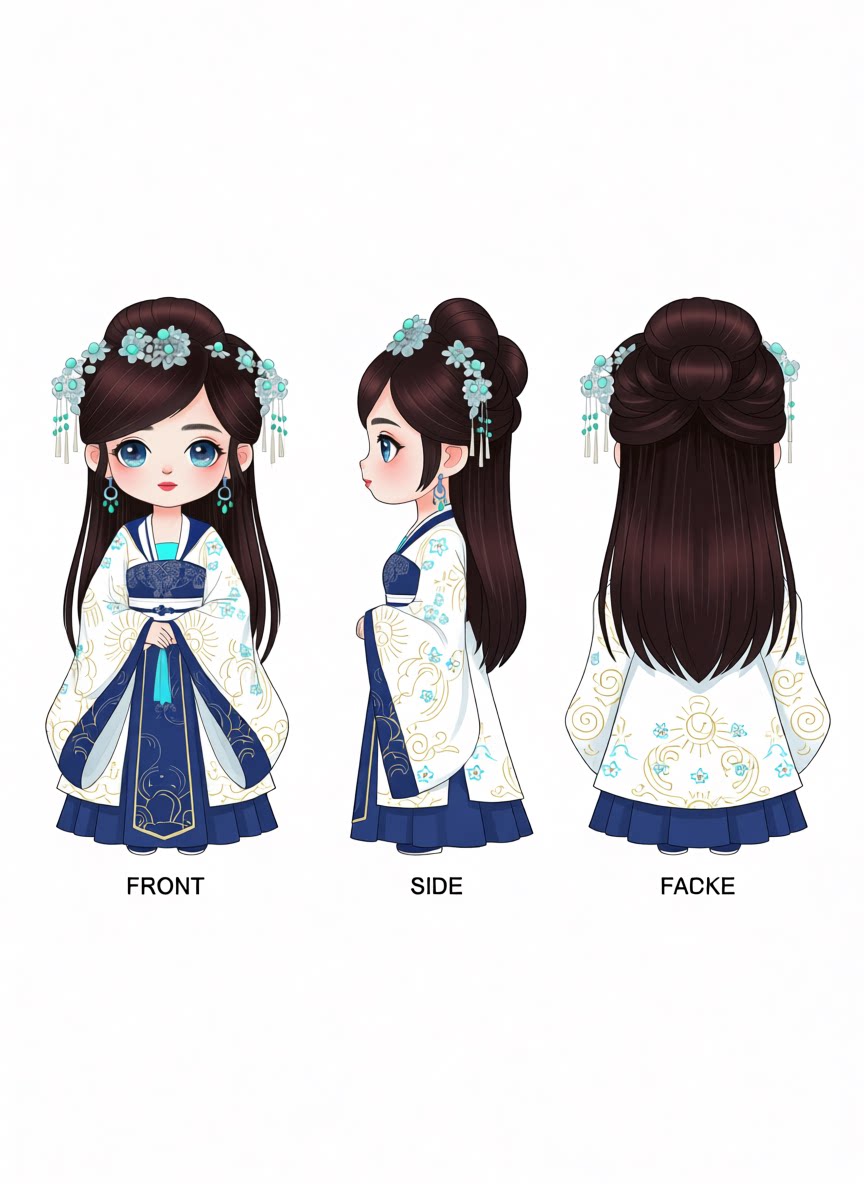
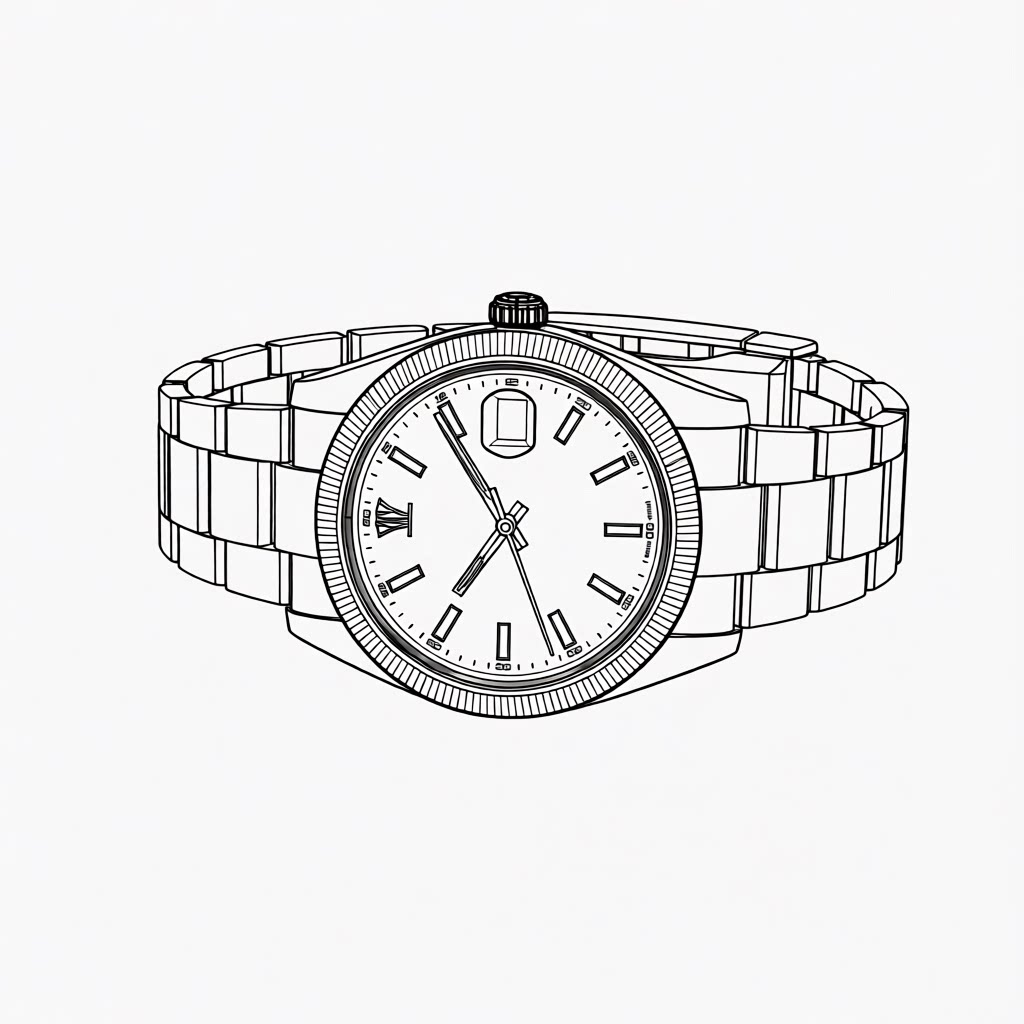
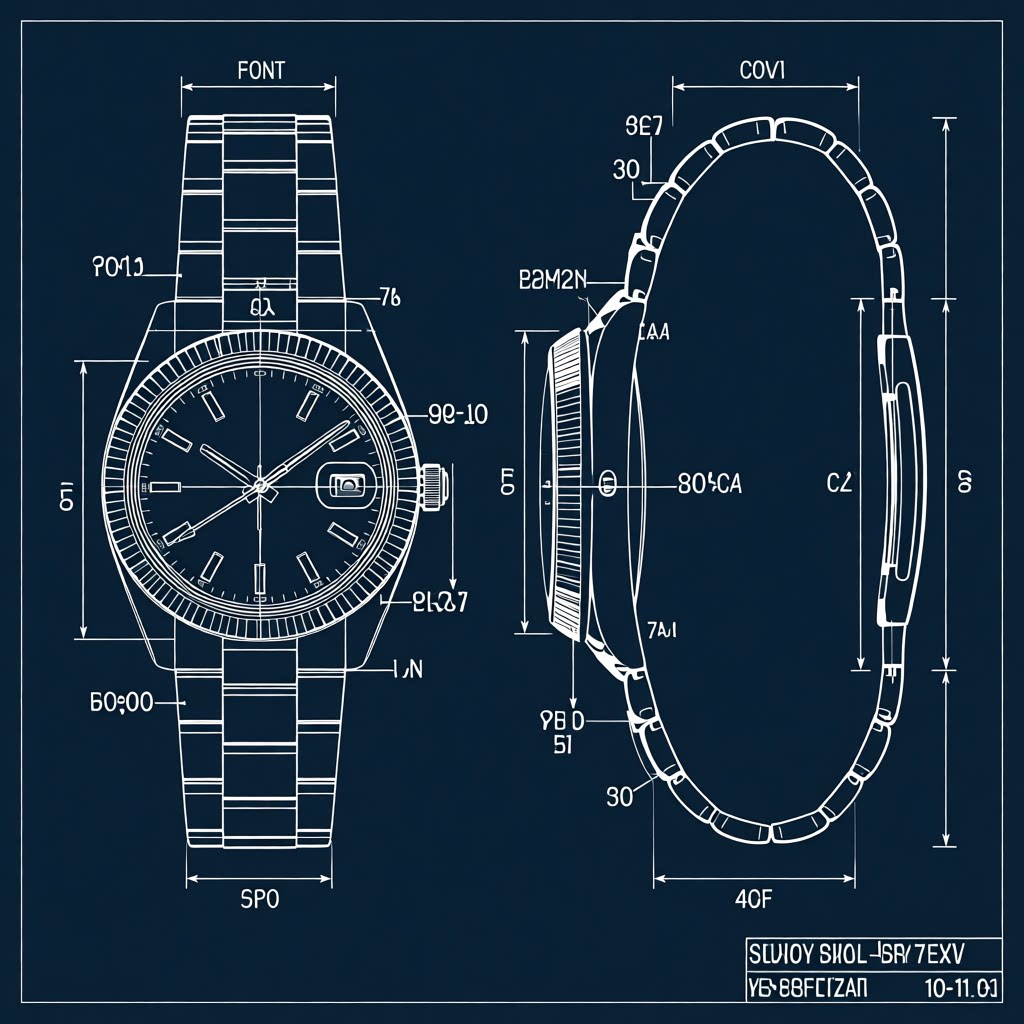
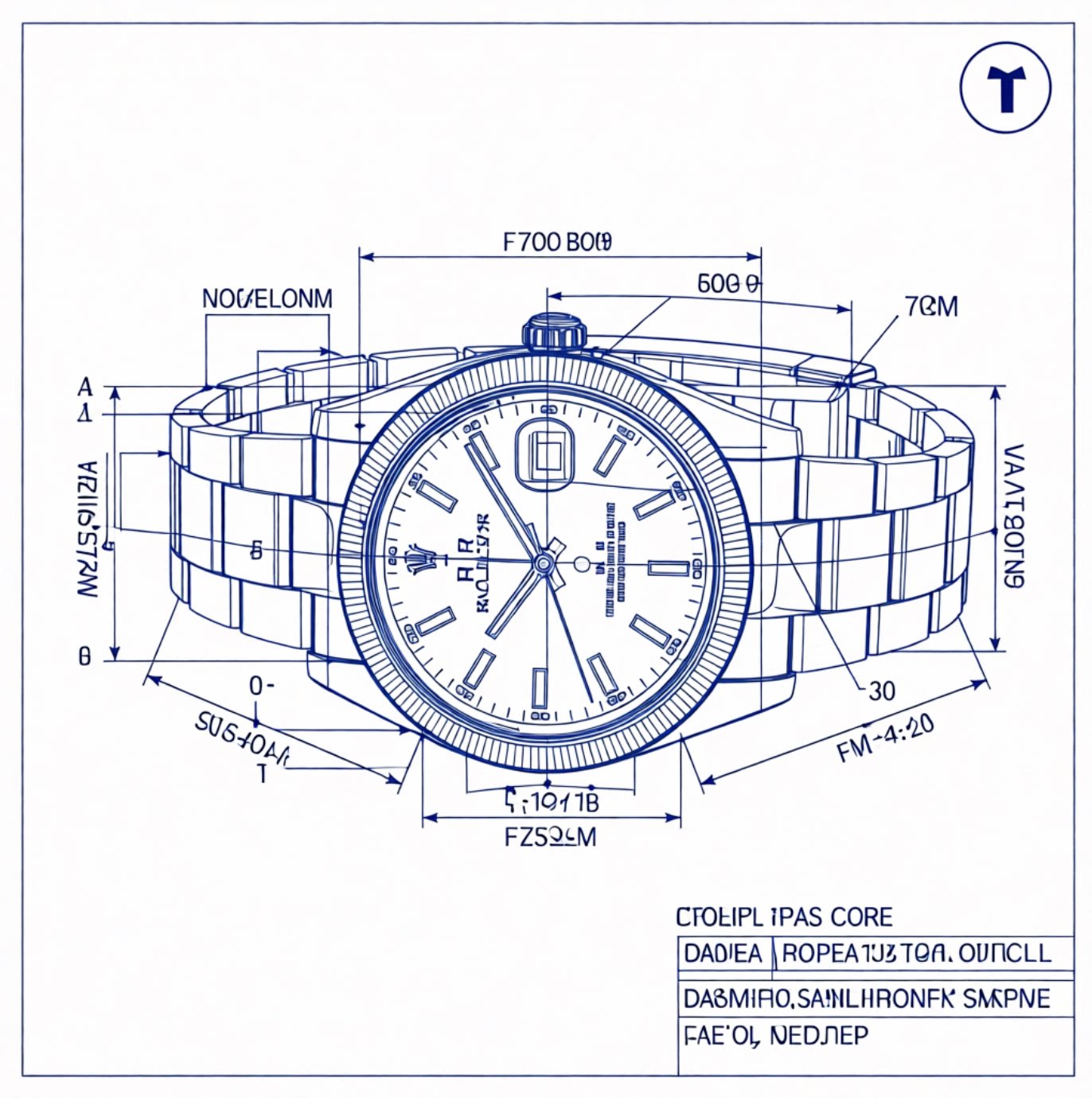
The table below presents editing results of Qwen Image Edit 2511 based on four different prompt extend methods:
- No prompt extend
- Use Qwen3.7 Plus from Bailian
- Use the original gemma-4-12B-it
- Use the fine-tuned gemma-4-12B-it in this repo
All prompt extend methods use the same system prompt from the official GitHub Repo.
| Original Prompt | Input Images | No Prompt Extend | Qwen3.7 Plus | Gemma Base | Ours |
|---|---|---|---|---|---|
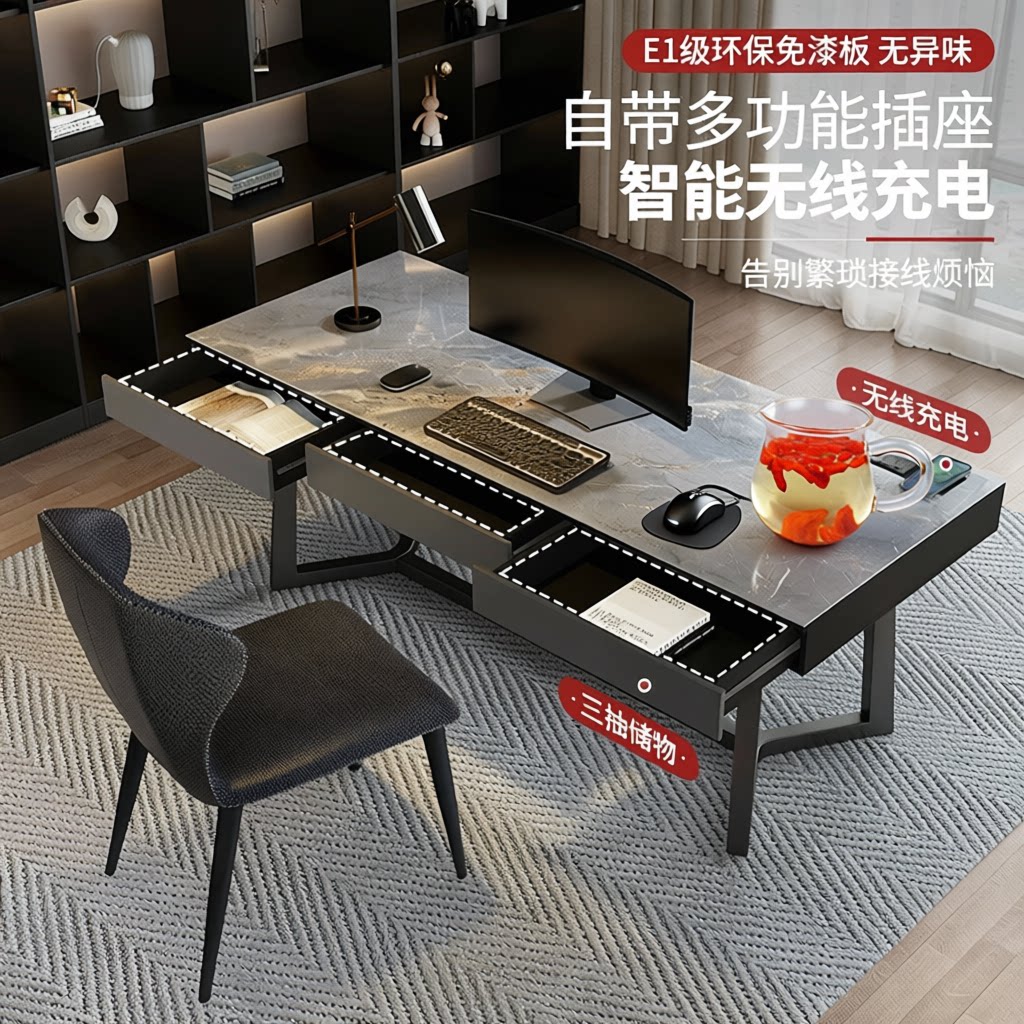
| Refer to the goji-berry water cup design in Image 2 and place it on the desk next to the mouse | 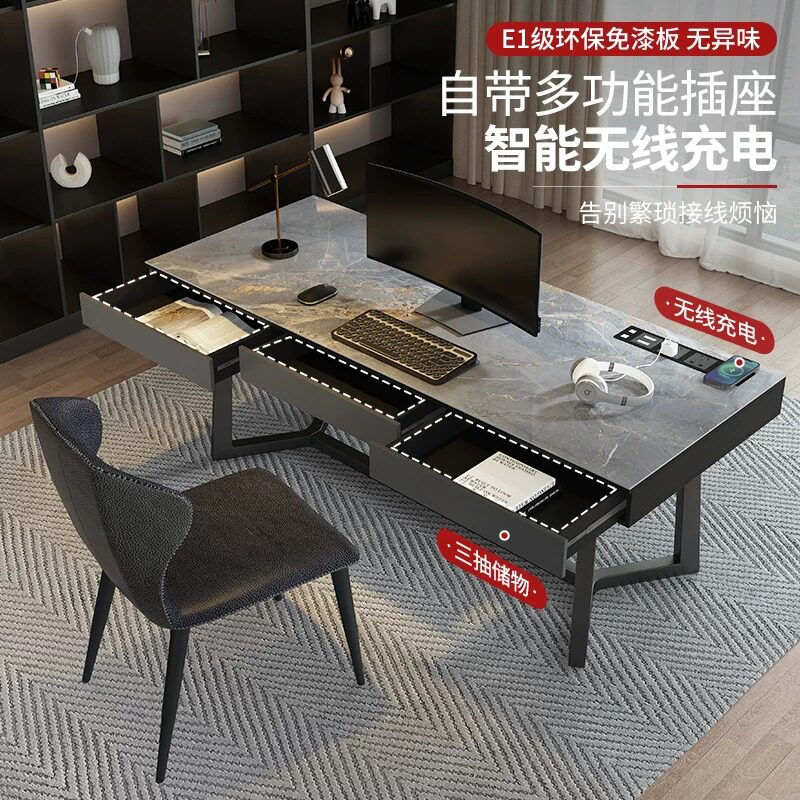 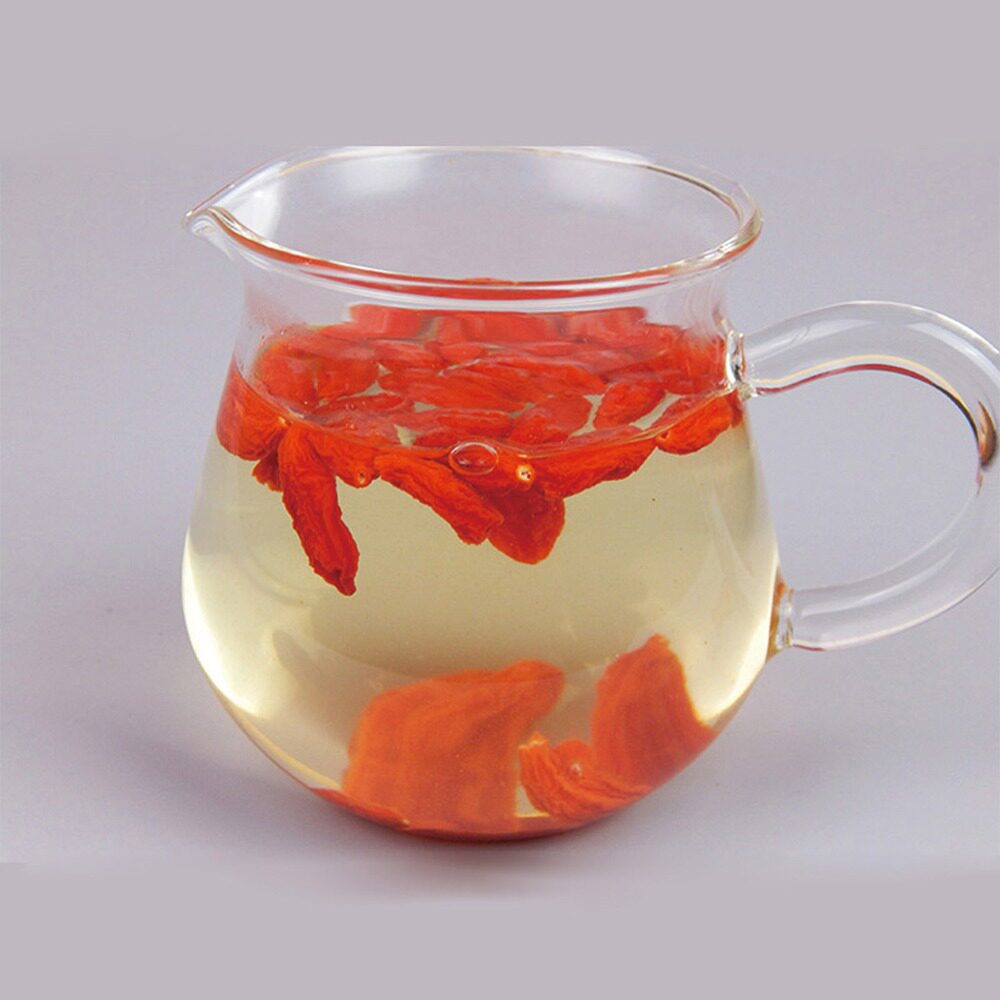 |
 |
 |
 |
 |
| Help me generate a half-body image of this person | 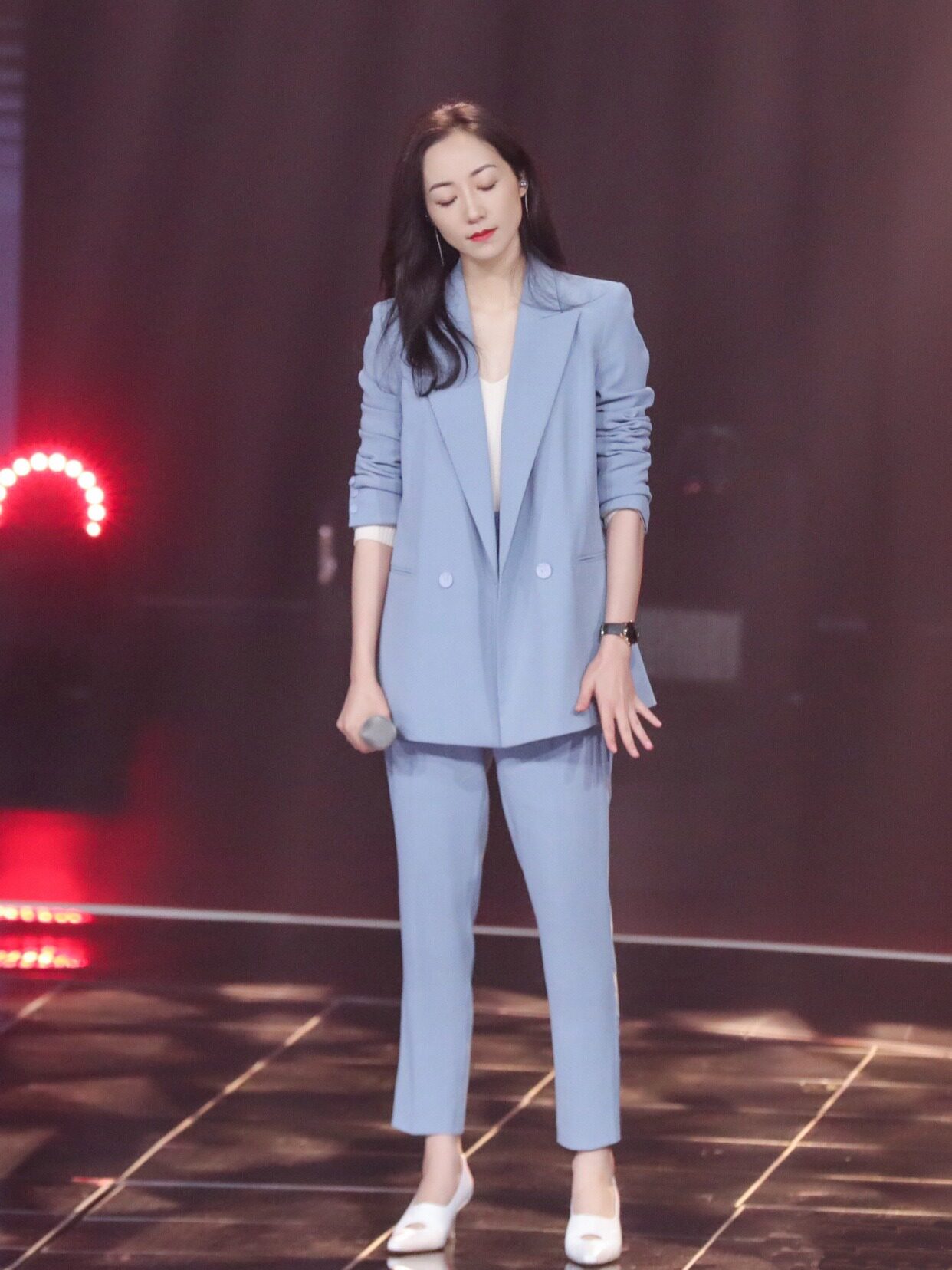 |
 |
 |
 |
 |
| Keep the main subject unchanged and generate a three-view sheet from different angles |  |
 |
 |
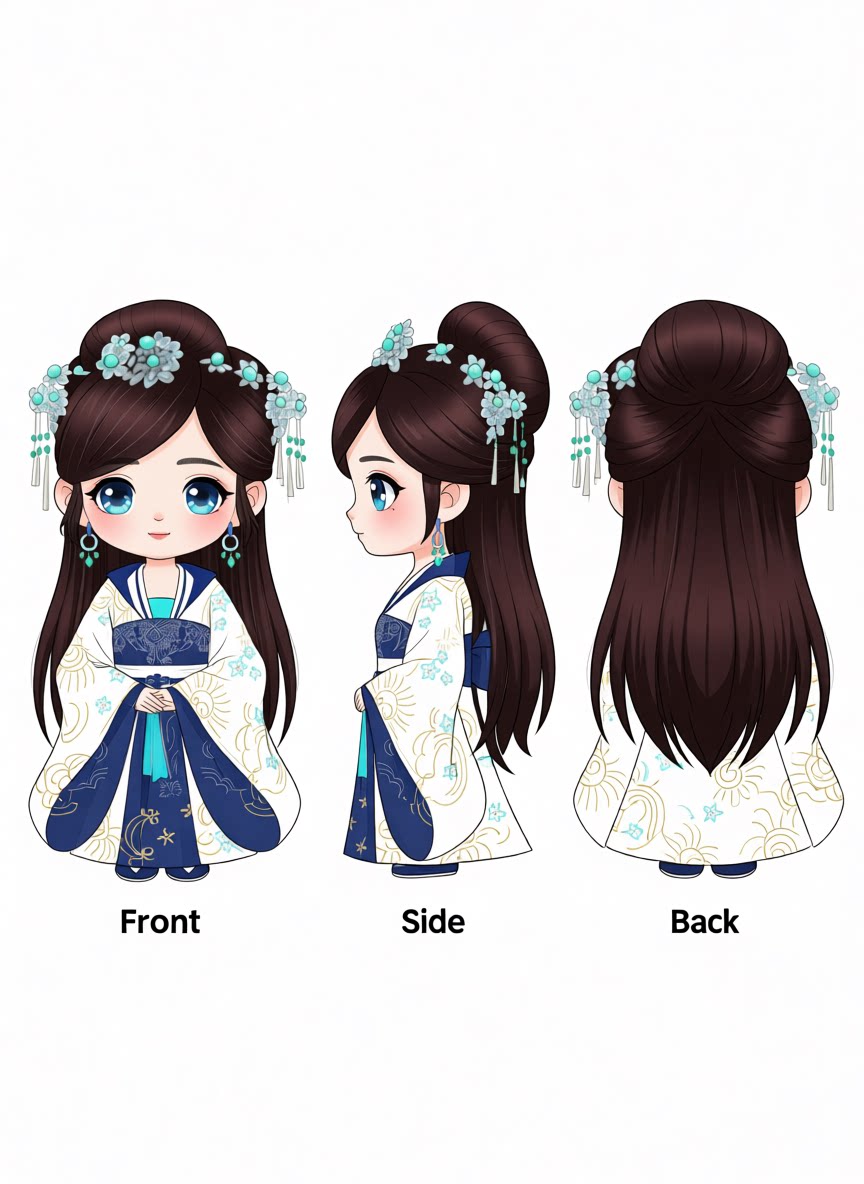 |
 |
| Generate a high-altitude, top-down view of the ground from Image 1 |  |
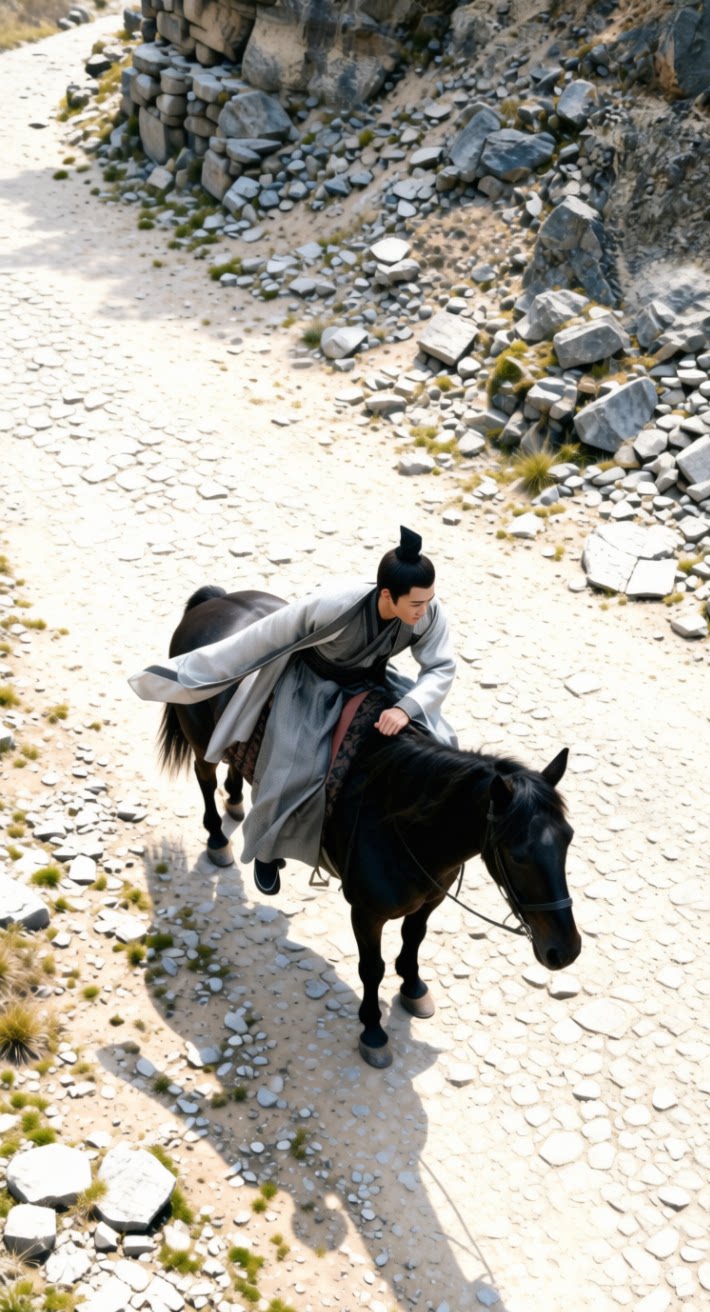 |
 |
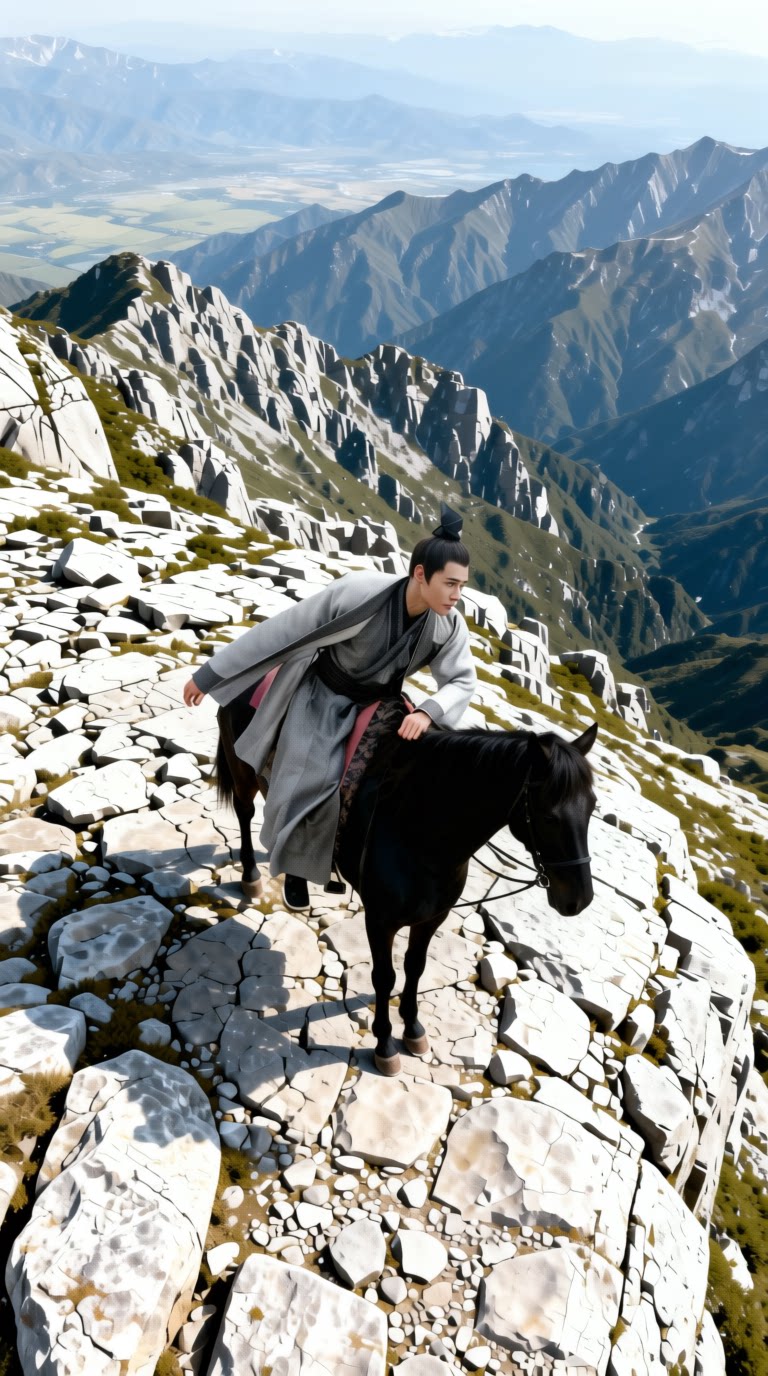 |
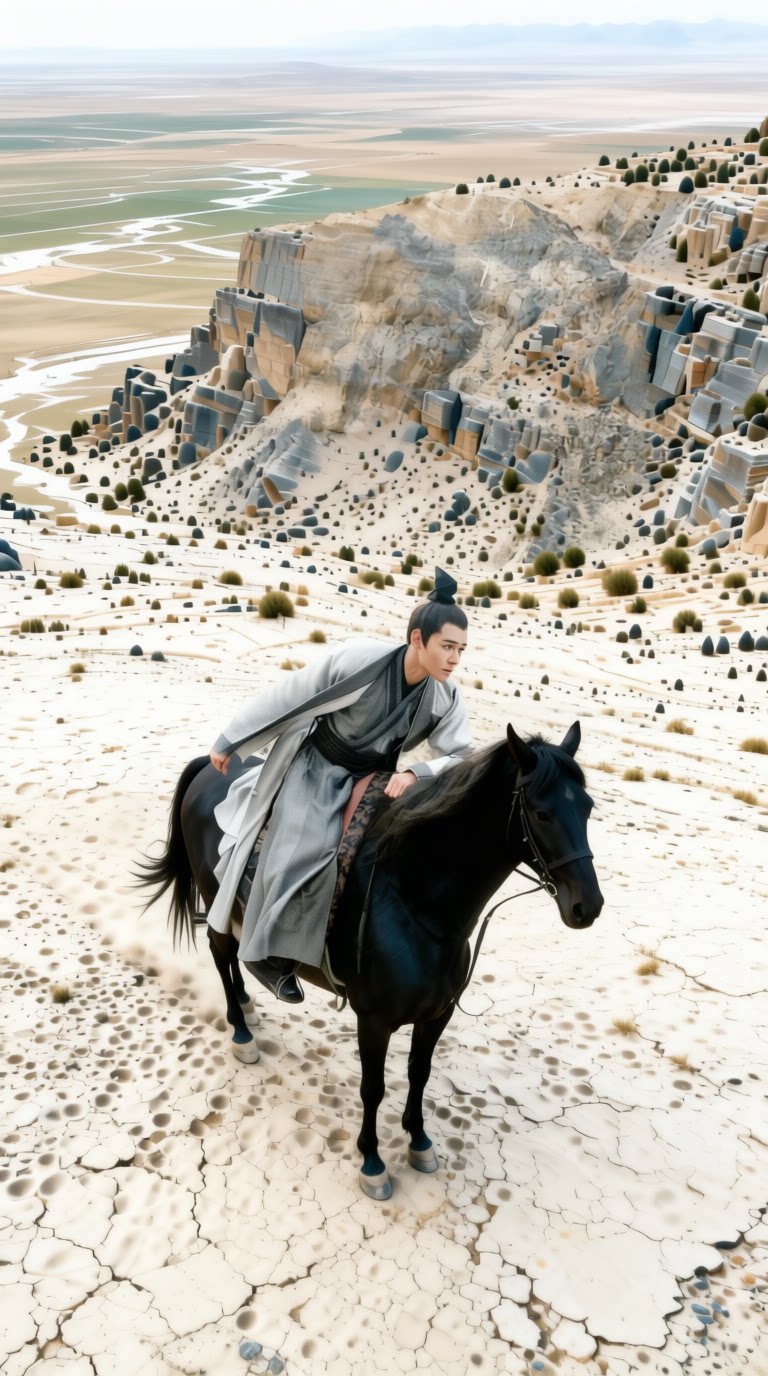 |
| Generate a CAD drawing of this image. | 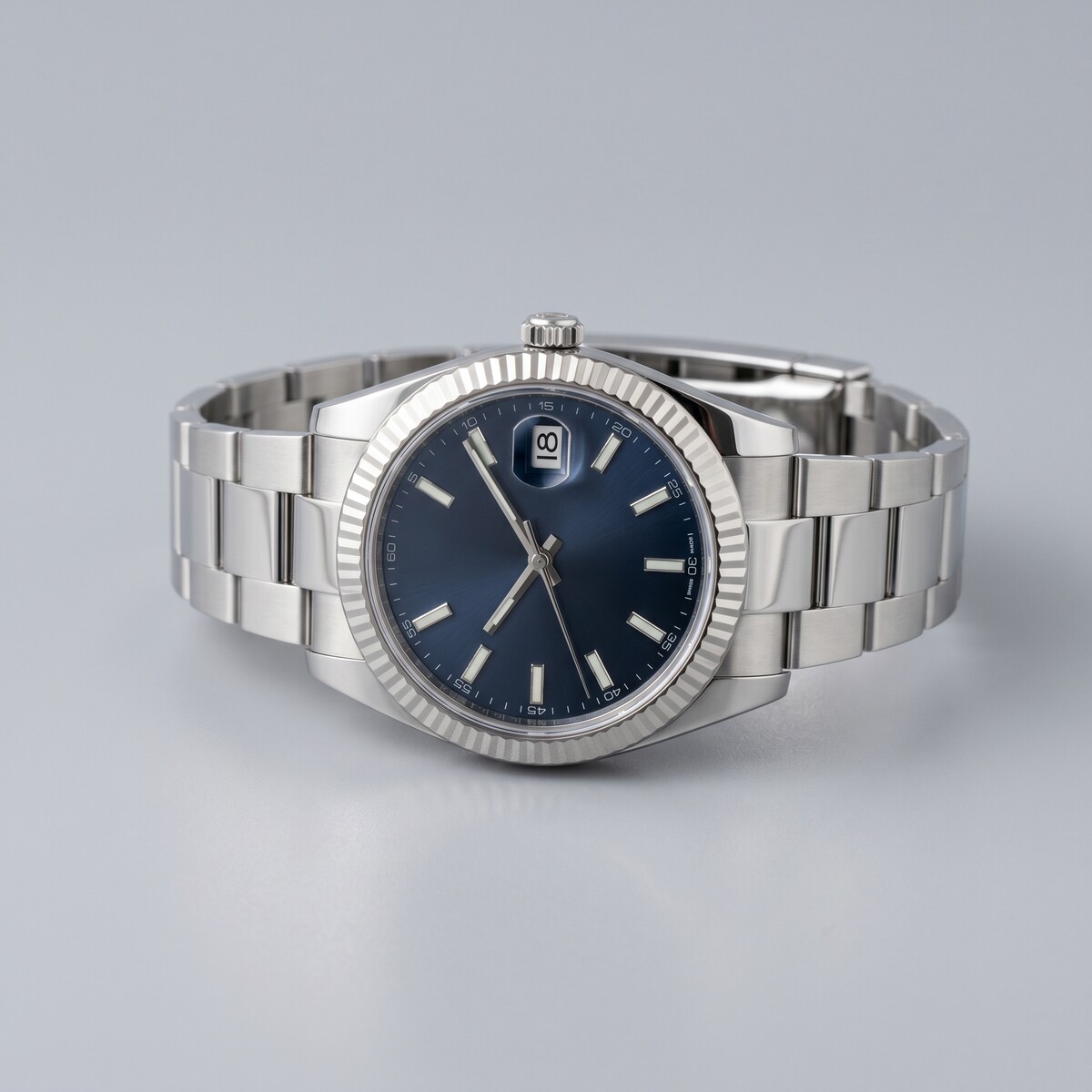 |
 |
 |
 |
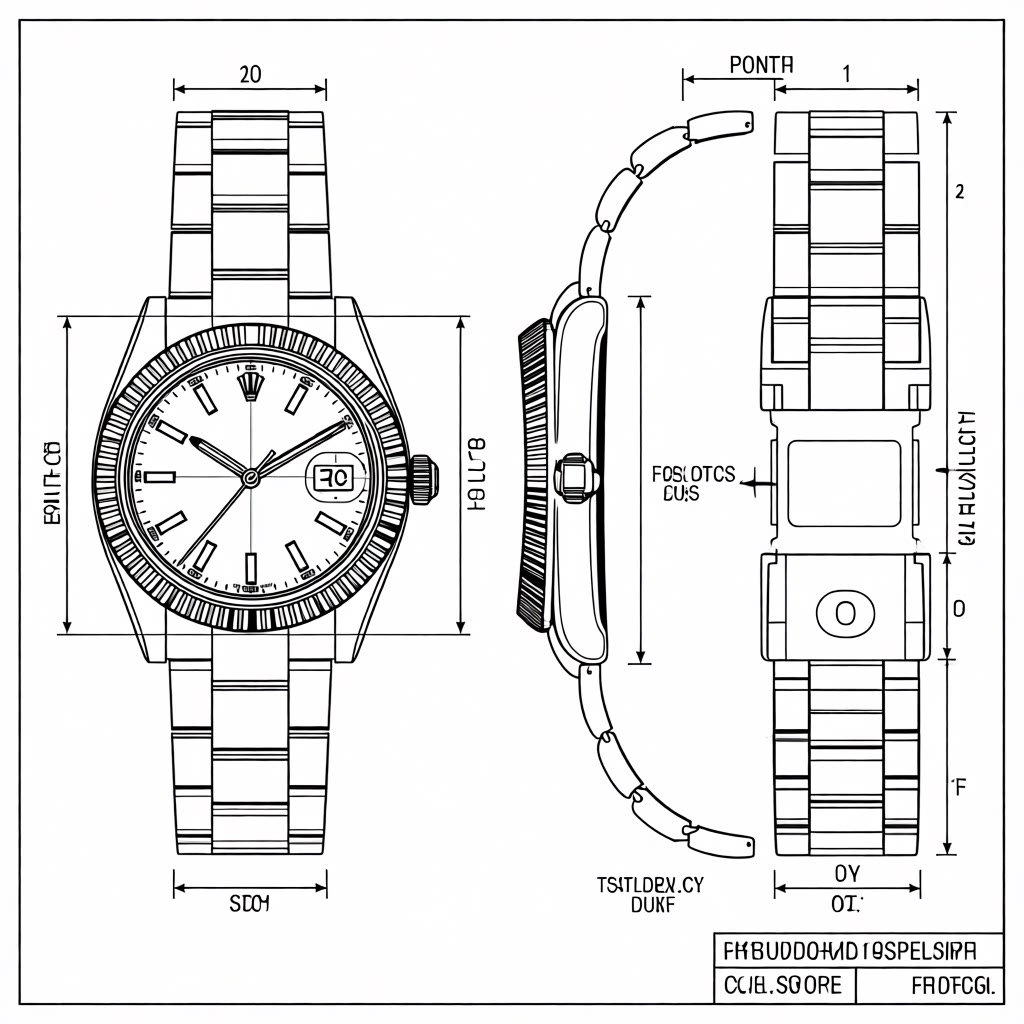 |
- Downloads last month
- 379
Model tree for Wuli-art/Gemma-4-for-Qwen-Image-Edit-2511-Prompt-Extend
Base model
google/gemma-4-12B