



High Quality Uncensored - GGUF on MLX
Collection
These are the empirically proven highest quality uncensored models on MLX. • 26 items • Updated • 35
Important: This model uses the JANG quantization format — the GGUF equivalent for MLX on Apple Silicon. Currently only supported by MLX Studio and the
jang-toolsPython package.


JANG mixed-precision · CRACK abliterated · Vision-Language · No guardrails · 18 GB
This is Qwen 3.5 VL 35B — a 35B parameter hybrid SSM/Attention Mixture-of-Experts model with 256 experts (4 active per token), GatedDeltaNet SSM layers + full attention layers, and built-in vision capabilities.
It has been:
| Architecture | Qwen 3.5 VL MoE — 35B total, ~3B active, 256 experts, hybrid SSM/FA |
| Quantization | JANG_4K (8/5/4/3-bit mixed) — 18 GB |
| Abliteration | CRACK — novel weight surgery |
| HarmBench | 98.4% (315/320) |
| MMLU | 69.2% (base: 70.8%, only -1.6%) |
| Speed | 110 tok/s (M4 Max) |
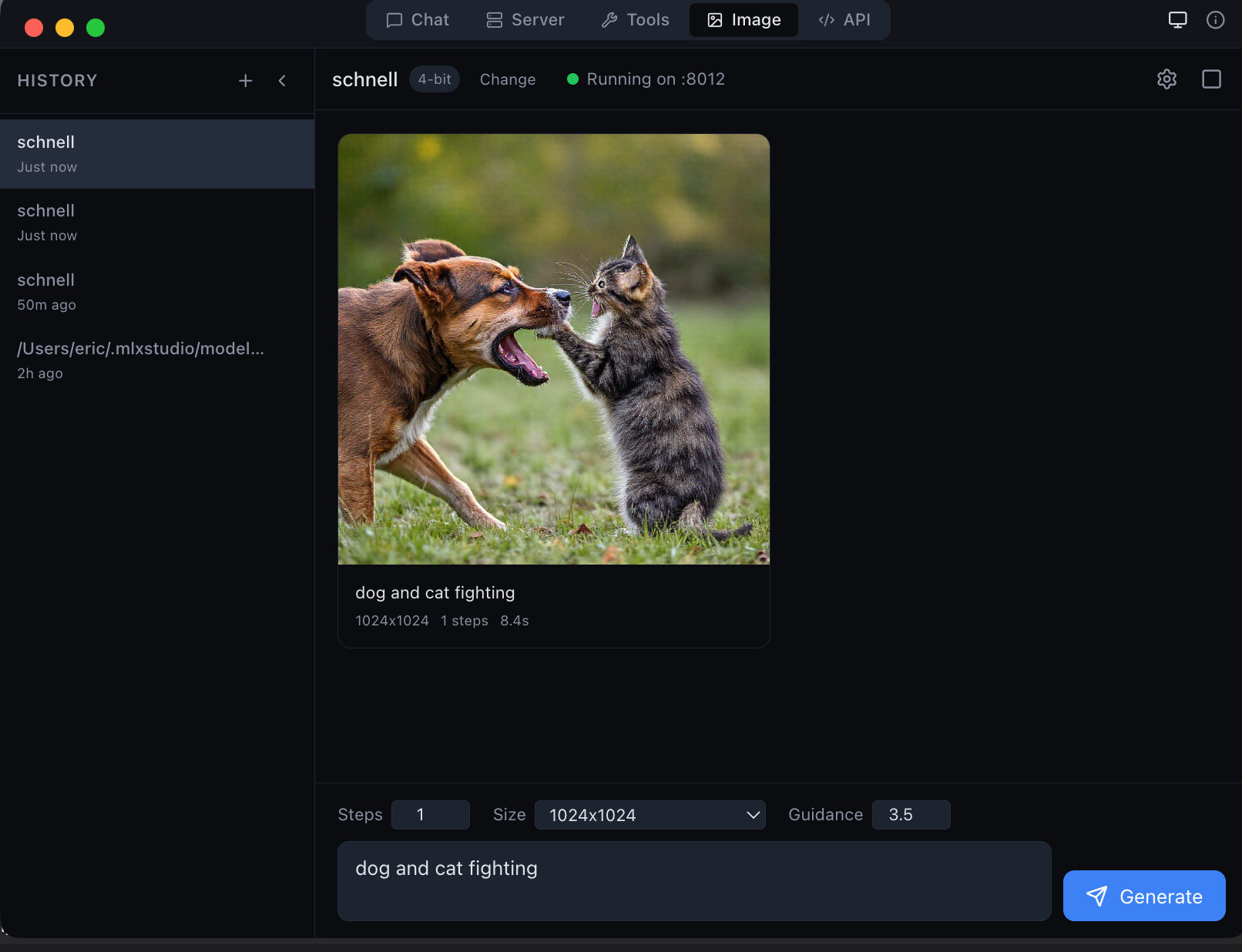
| Vision | Yes — via MLX Studio / vMLX |
| Thinking | ON/OFF supported |
| Fits on | 32 GB+ Macs |
315/320 (98.4%) — tested with enable_thinking=false, temperature=1.0
| Category | Score | |
|---|---|---|
| Chemical / Biological | 42/42 | 100% |
| Harmful | 18/18 | 100% |
| Illegal | 53/53 | 100% |
| Copyright | 79/80 | 99% |
| Cybercrime / Intrusion | 51/52 | 98% |
| Misinformation / Disinfo | 52/54 | 96% |
| Harassment / Bullying | 20/21 | 95% |
| Model | MMLU | Size | Speed | Notes |
|---|---|---|---|---|
| JANG_4K + CRACK | 69.2% | 18 GB | 110 tok/s | This model |
| JANG_4K (base) | 70.8% | 18 GB | 110 tok/s | Unmodified JANG |
| JANG_2S (base) | ~65% | 11 GB | ~120 tok/s | Lower precision |
| MLX 4-bit | ~60% | 20 GB | ~85 tok/s | Uniform quant |
| MLX 8-bit | ~68% | 38 GB | ~65 tok/s | 2× larger |
JANG's mixed-precision approach preserves knowledge better than MLX uniform quantization at the same size, and runs faster due to smaller memory footprint.
65 curated hard questions across 13 subjects. Surgery preserves knowledge almost perfectly.
| Subject | CRACK | Base | Delta |
|---|---|---|---|
| College Physics | 5/5 | 4/5 | +1 |
| HS Mathematics | 4/5 | 3/5 | +1 |
| College Math | 2/5 | 1/5 | +1 |
| Professional Medicine | 5/5 | 5/5 | 0 |
| Conceptual Physics | 4/5 | 4/5 | 0 |
| Abstract Algebra | 2/5 | 2/5 | 0 |
| Formal Logic | 2/5 | 2/5 | 0 |
| Machine Learning | 2/5 | 2/5 | 0 |
| HS Biology | 5/5 | 5/5 | 0 |
| HS Geography | 4/5 | 4/5 | 0 |
| College CS | 4/5 | 5/5 | -1 |
| Electrical Engineering | 4/5 | 5/5 | -1 |
| World Religions | 3/5 | 4/5 | -1 |
| Total | 45/65 (69.2%) | 46/65 (70.8%) | -1.6% |
Safety guardrails were NOT helping with reasoning — removing them slightly improved math and physics scores.
pip install "jang[mlx]"
from jang_tools.loader import load_jang_model
from mlx_lm import generate

model, tokenizer = load_jang_model("dealignai/Qwen3.5-VL-35B-A3B-JANG_4K-CRACK")

messages = [{"role": "user", "content": "Your prompt here"}]
prompt = tokenizer.apply_chat_template(
    messages, add_generation_prompt=True, tokenize=False)

response = generate(model, tokenizer, prompt=prompt, max_tokens=2000)
print(response)
Thinking is ON by default (chain-of-thought reasoning before answering).
To disable thinking for faster responses:
prompt = tokenizer.apply_chat_template(
    messages, add_generation_prompt=True,
    enable_thinking=False, tokenize=False)
Tip: Use
temperature=1.0for chat (greedy can cause repetition). Usetemperature=0.0for structured tasks like MMLU.
JANG (Jang Adaptive N-bit Grading) is a mixed-precision quantization format for Apple Silicon — the GGUF equivalent for MLX. Classifies tensors into sensitivity tiers and assigns bits accordingly.
CRACK (Controlled Refusal Ablation via Calibrated Knockouts) removes safety alignment from LLMs at the weight level using per-layer projected vectors from structurally-mirrored prompt pairs.




This model is provided for research and educational purposes. The creators are not responsible for any misuse. By downloading this model, you agree to use it responsibly and in compliance with applicable laws.
| 항목 | 내용 |
|---|---|
| 크기 | 18 GB |
| HarmBench | 98.4% (315/320) |
| MMLU | 69.2% (기본 70.8% 대비 -1.6%) |
| 속도 | 110 tok/s (M4 Max) |
| 비전 | 지원 (MLX Studio / vMLX) |
| 최소 요구사양 | 32 GB 메모리 Mac |
pip install "jang[mlx]"
GitHub · HuggingFace · MLX Studio · Ko-fi · X @dealignai
Created by Jinho Jang · 장진호 제작
Quantized